


Tag people with no account
A child, a grandparent, a pet. Tag them anyway. They can claim the profile later.
 TagBiscuitPet


Our Family Socials is a private, ad-free place where a family shares the long version: written stories with photo galleries, video and journey maps. You decide who can open each one.
FREE TO VIEW, FOREVER · 30-DAY TRIAL · 5 STORIES IN THE TRIAL · NO CARD


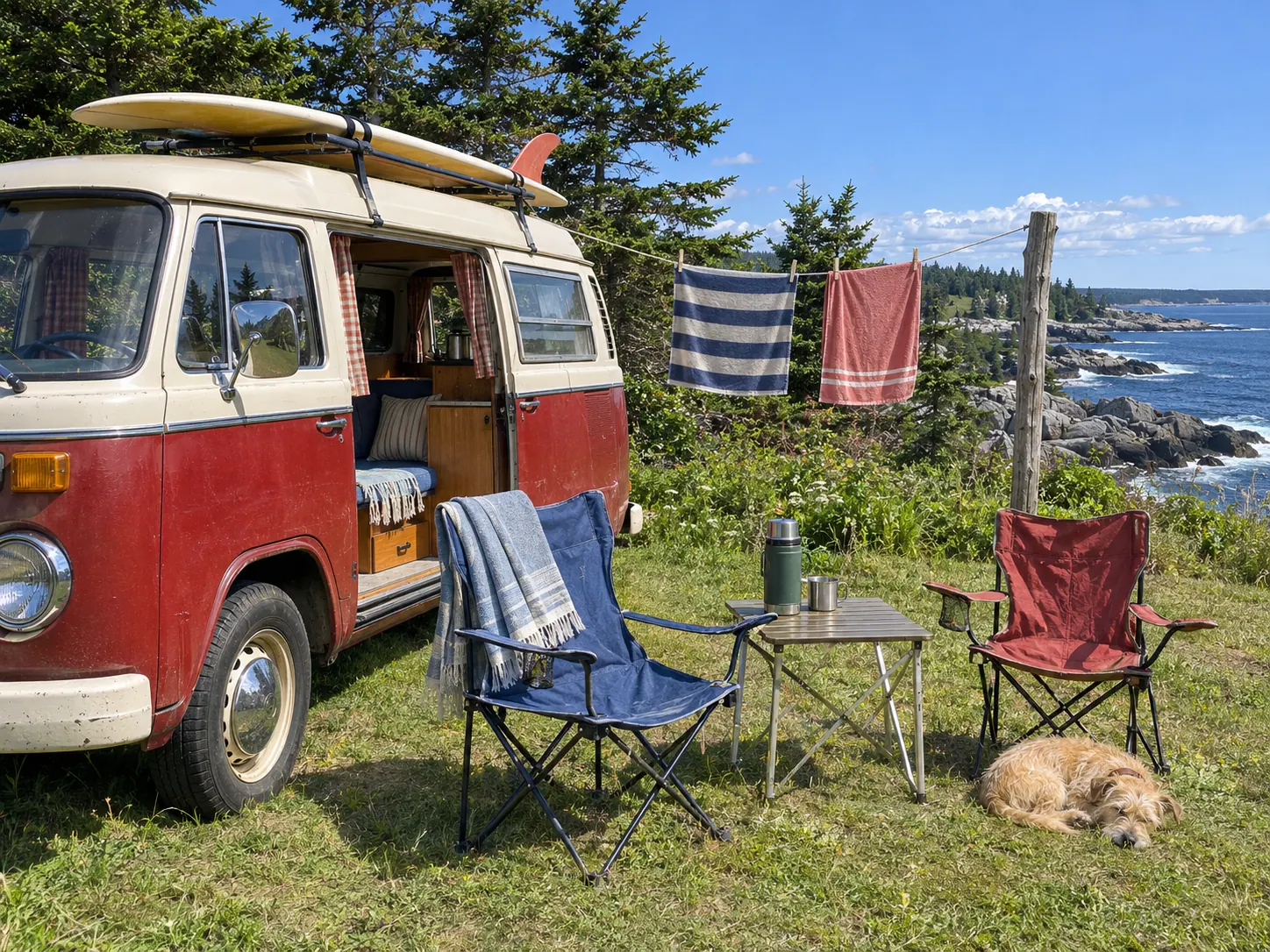


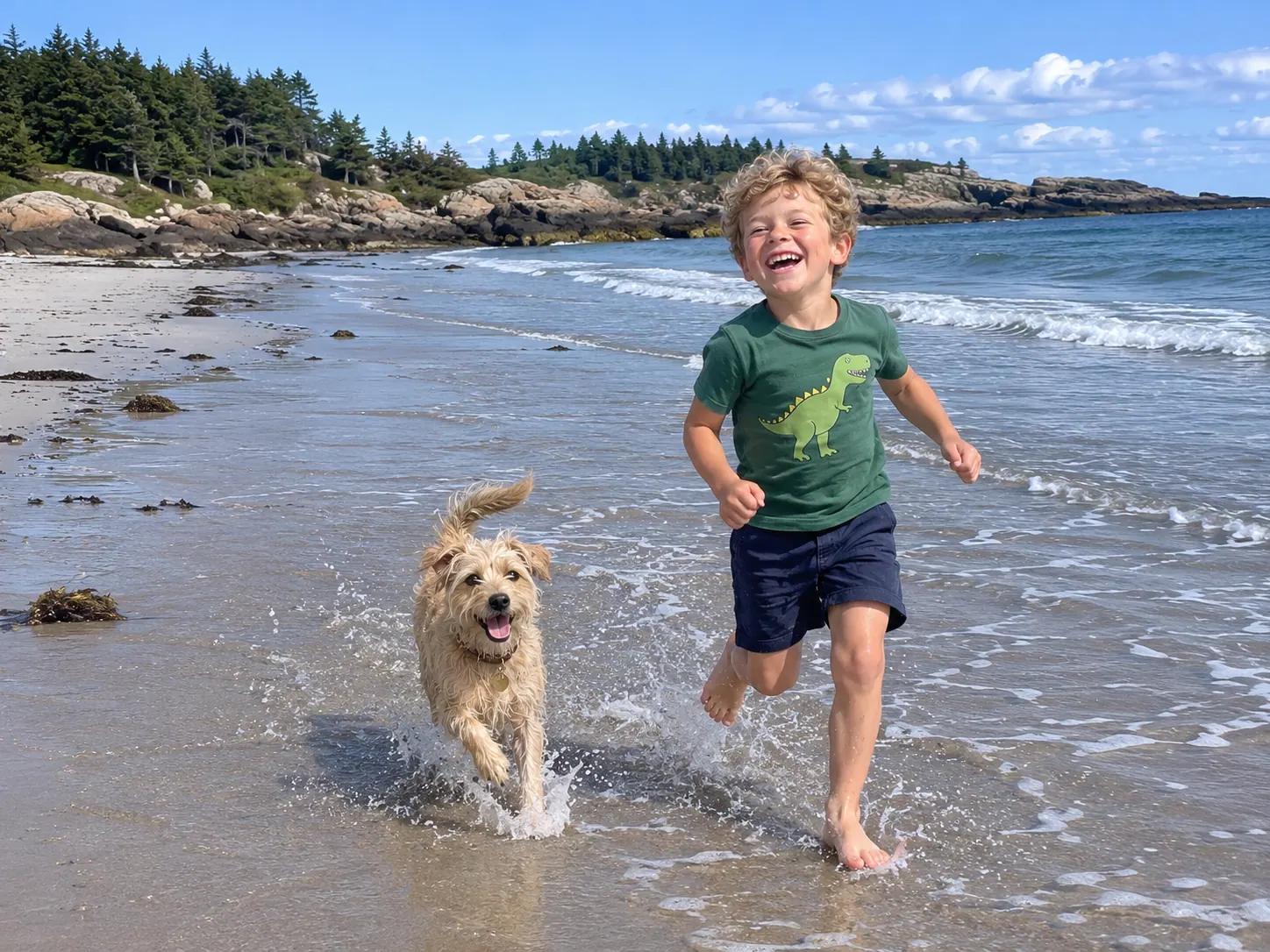
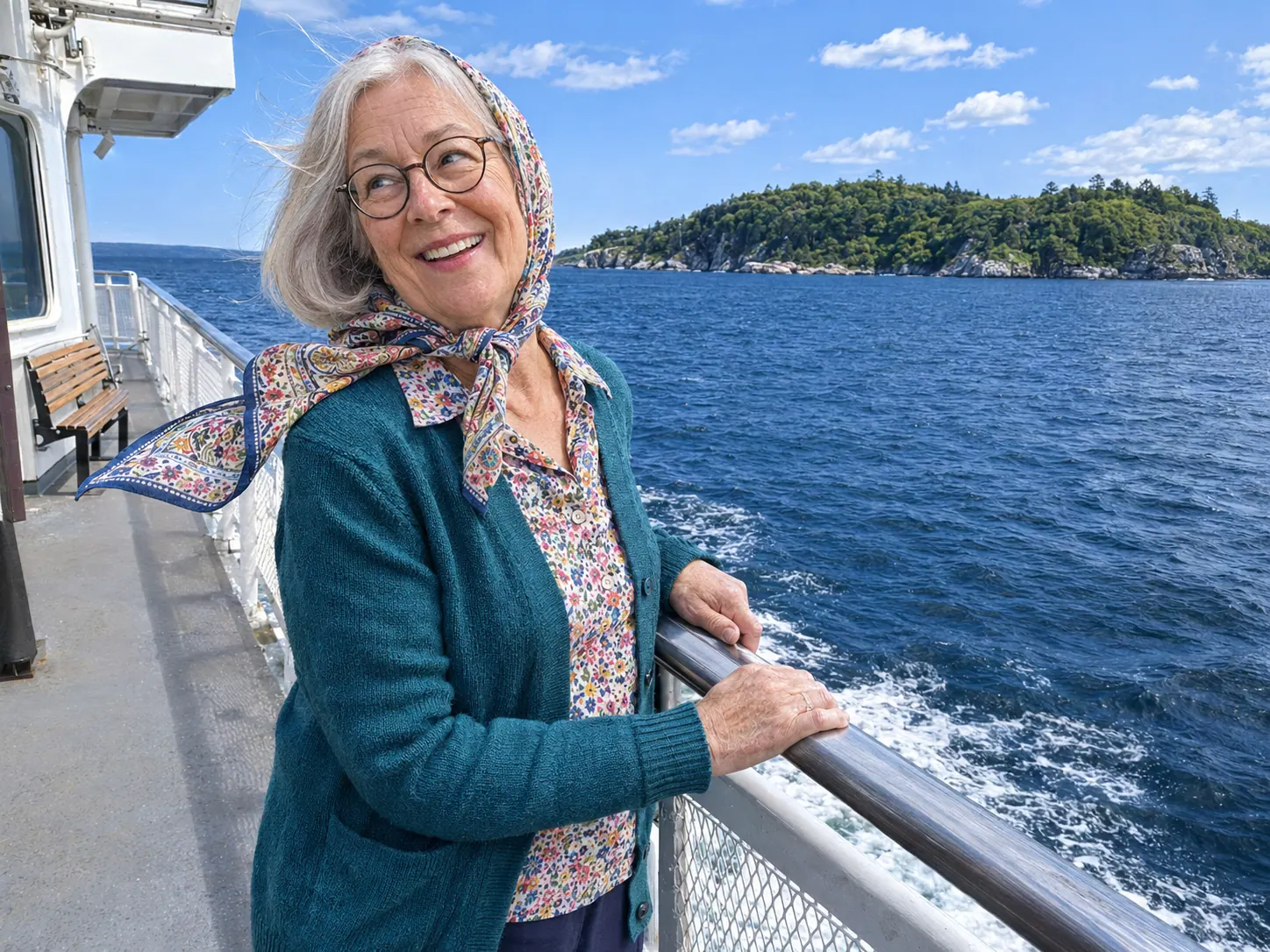
A week on the Maine coastAcadia, Maine
EVENT · AUGUST · VACATIONS
Your photos already know where. The place and time are read from each one, and every stop lands on the trip's own map.

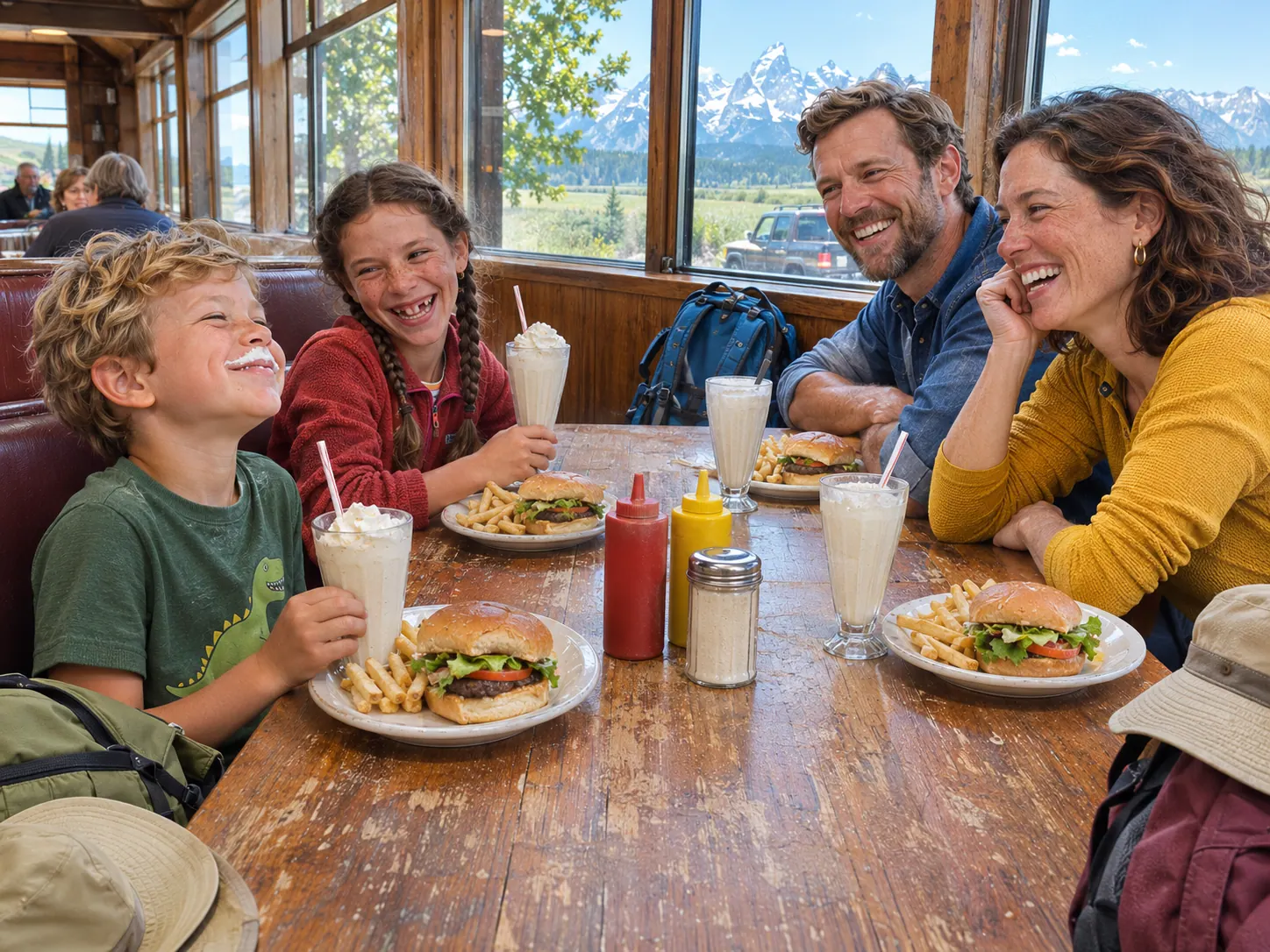


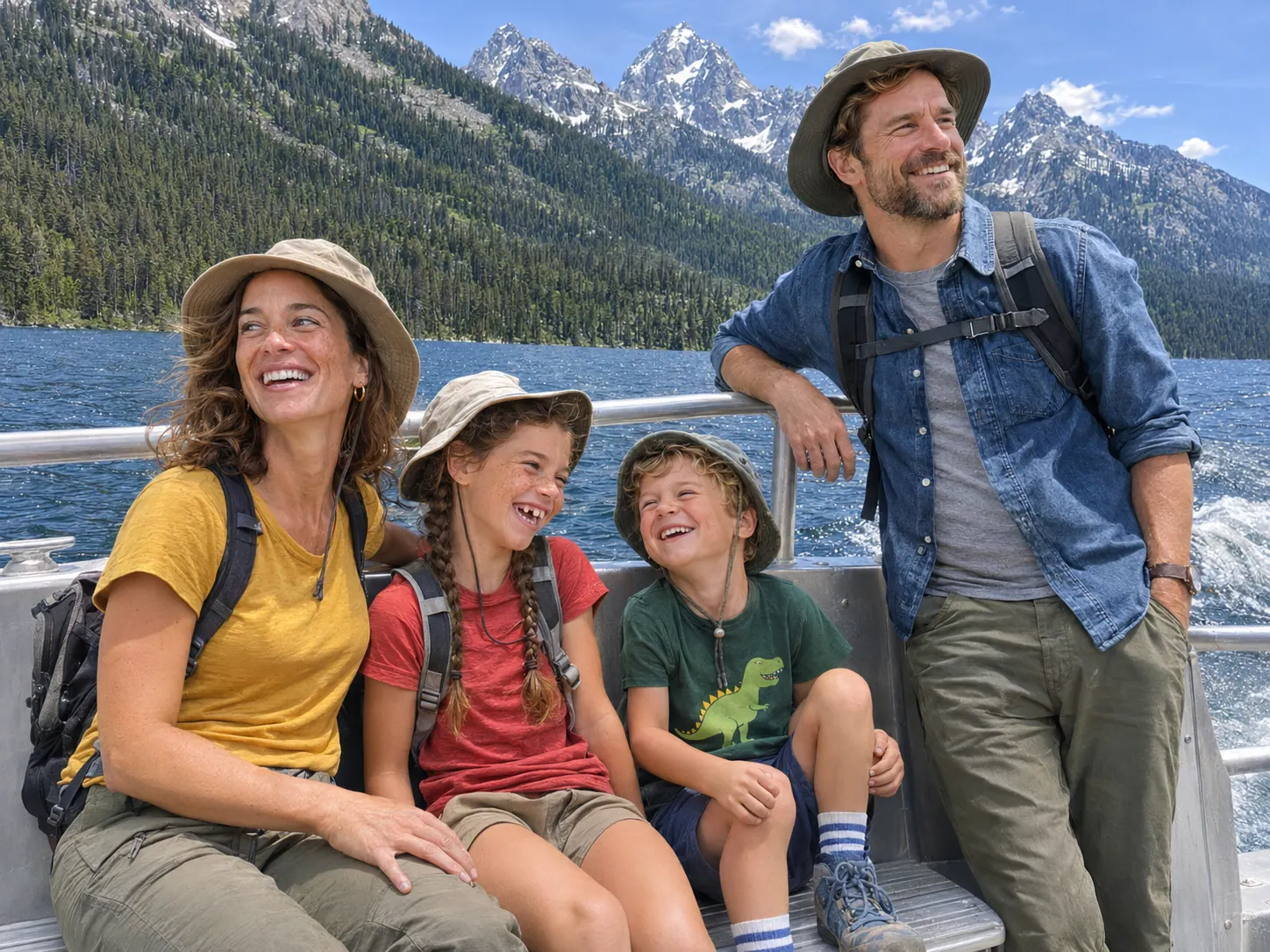



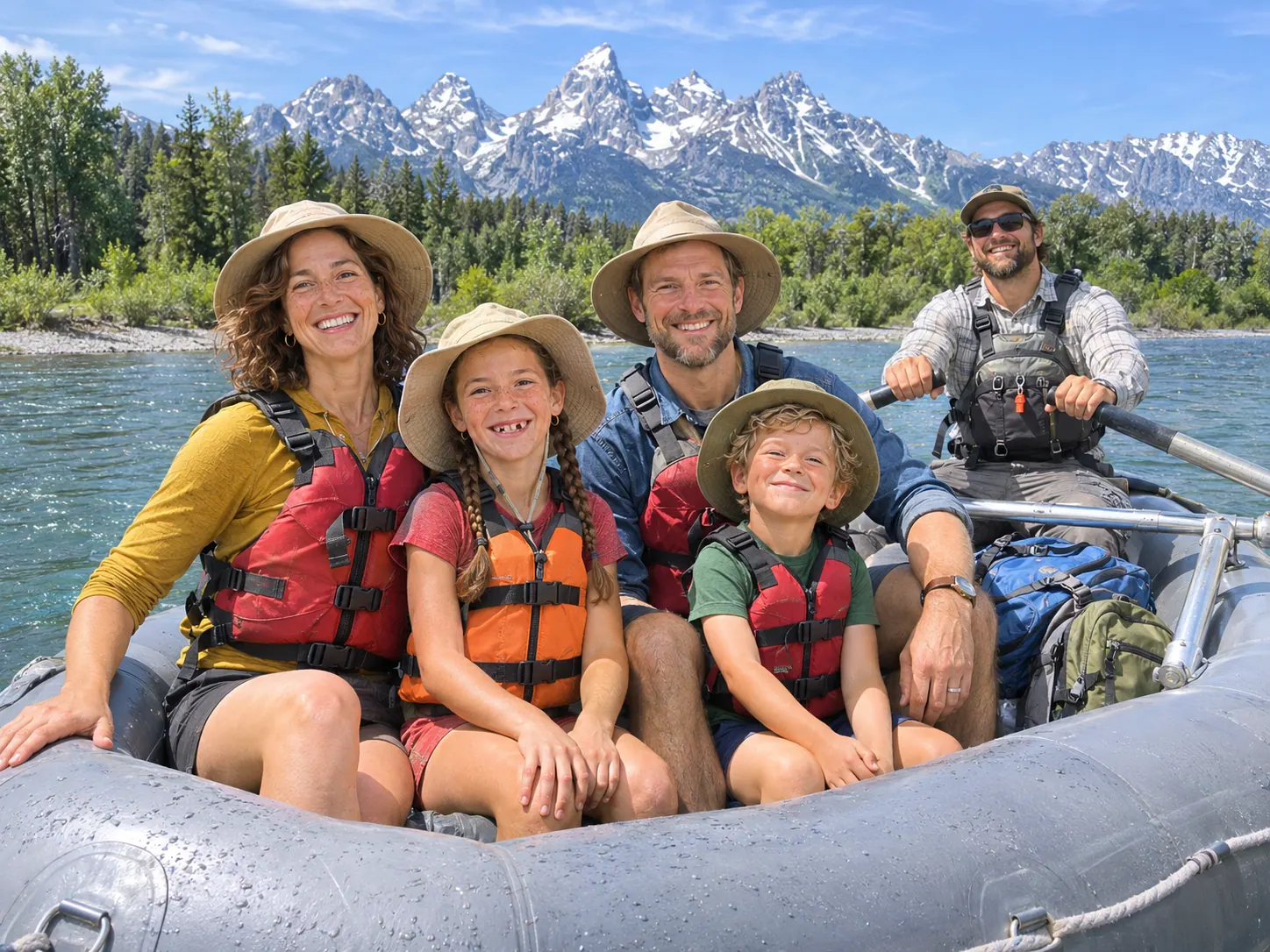

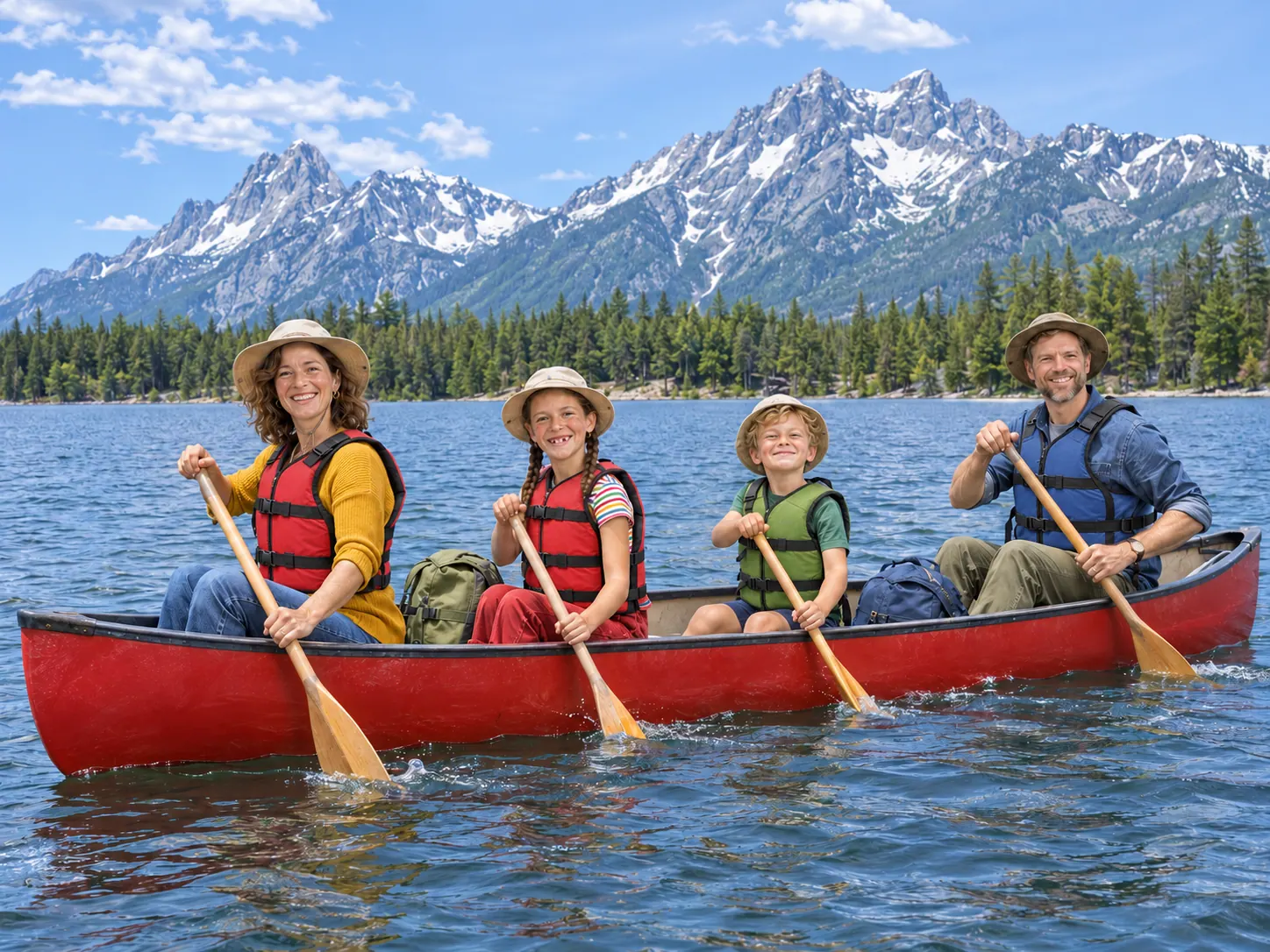
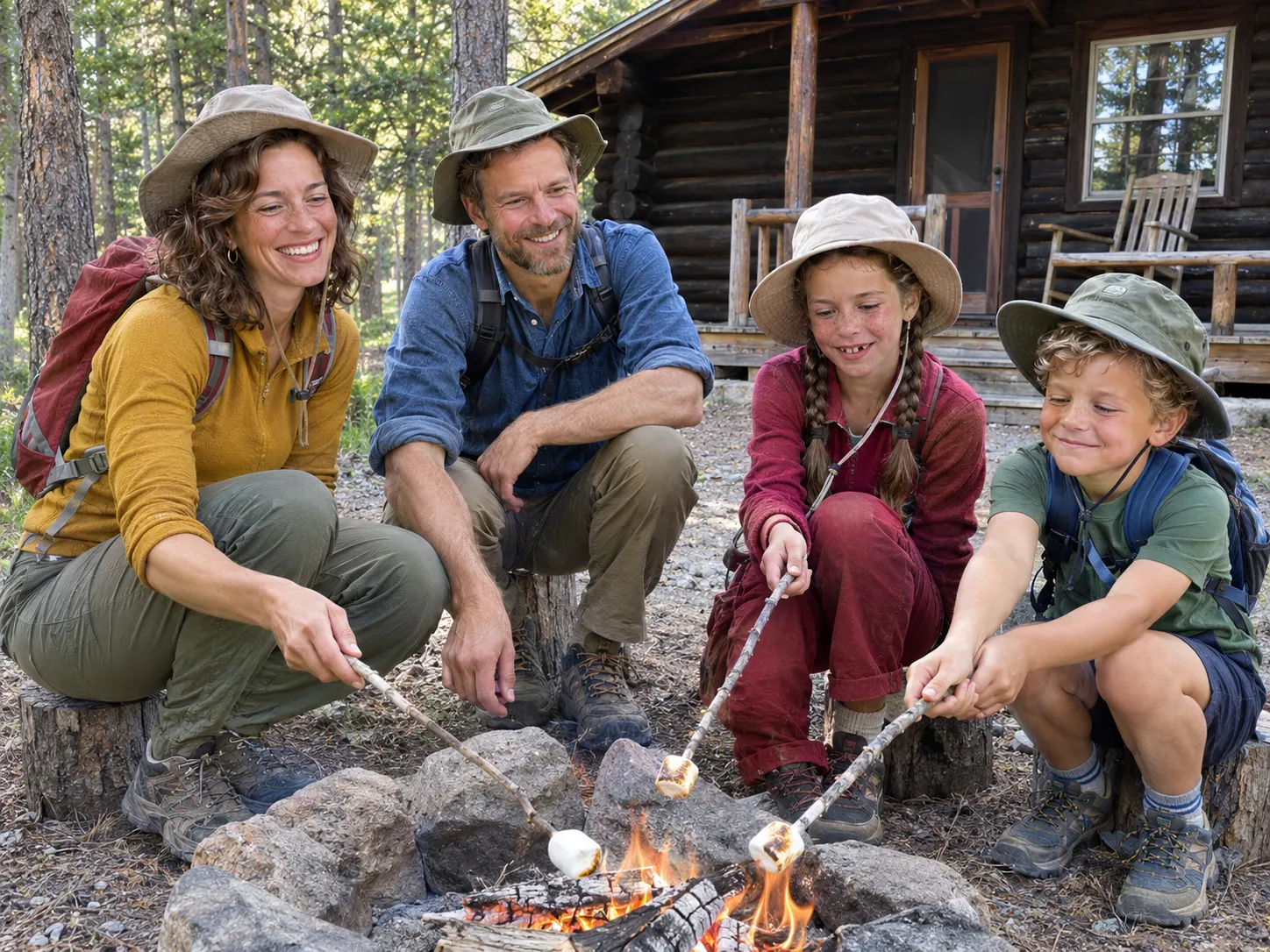

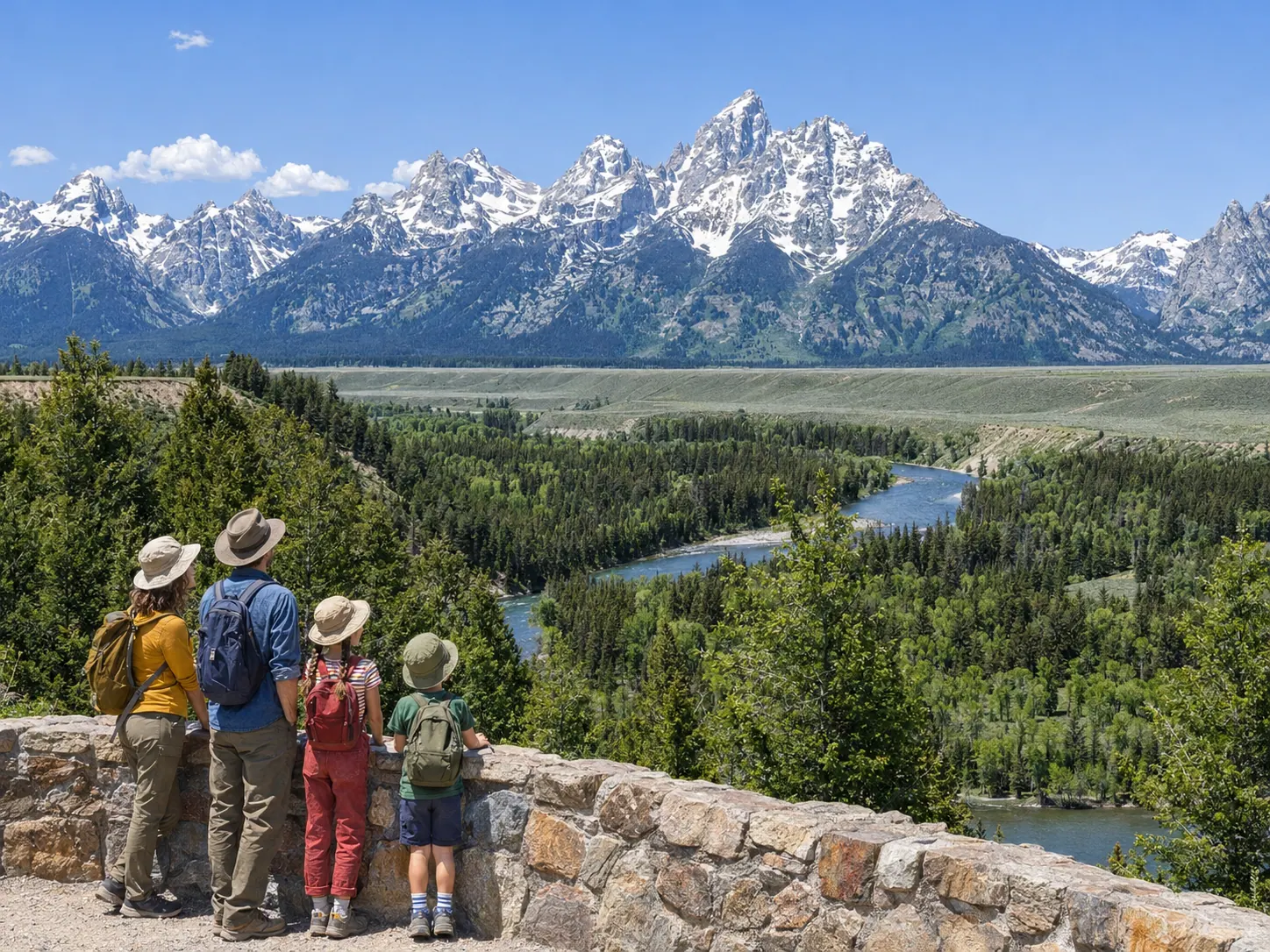
Day 07String Lake
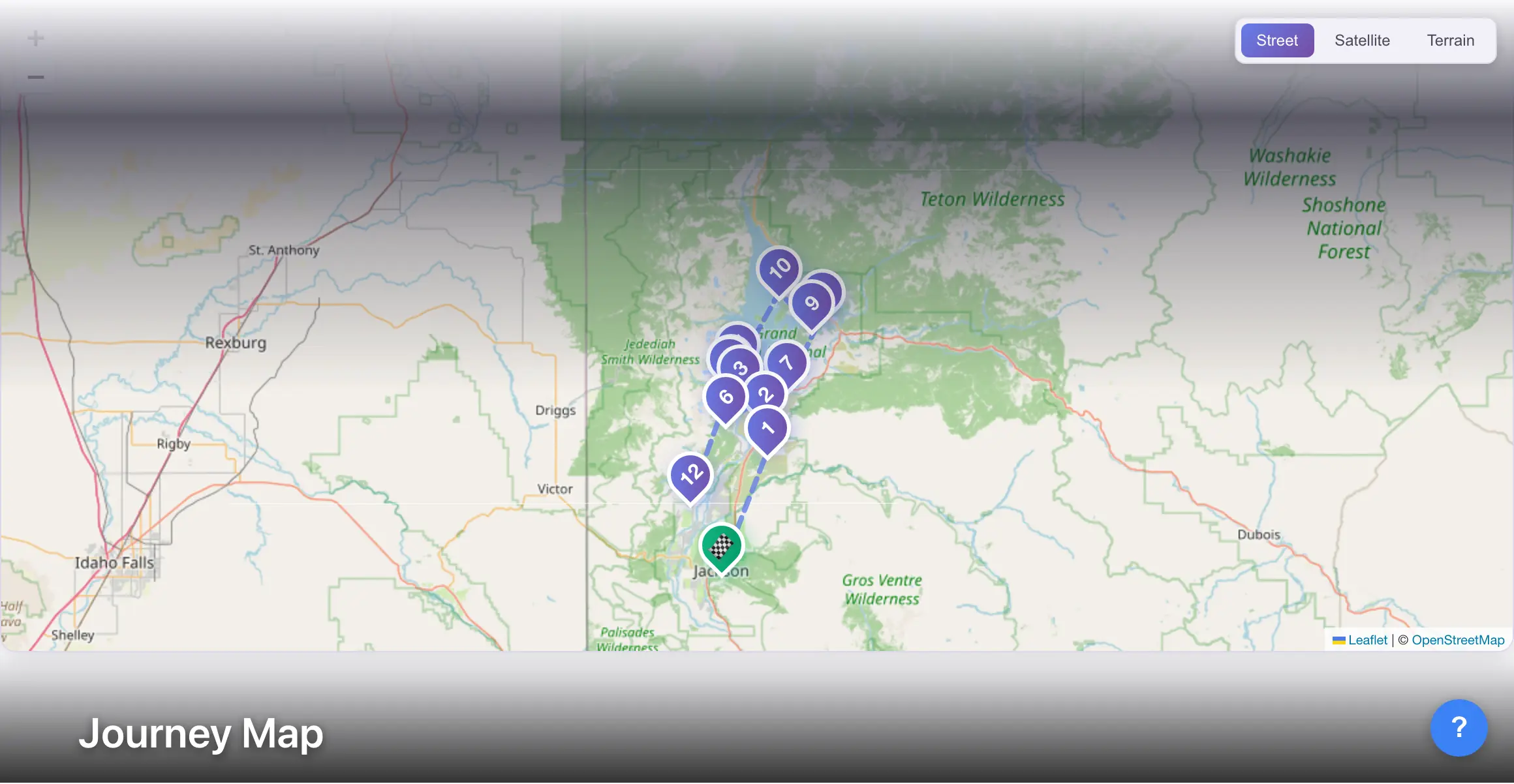
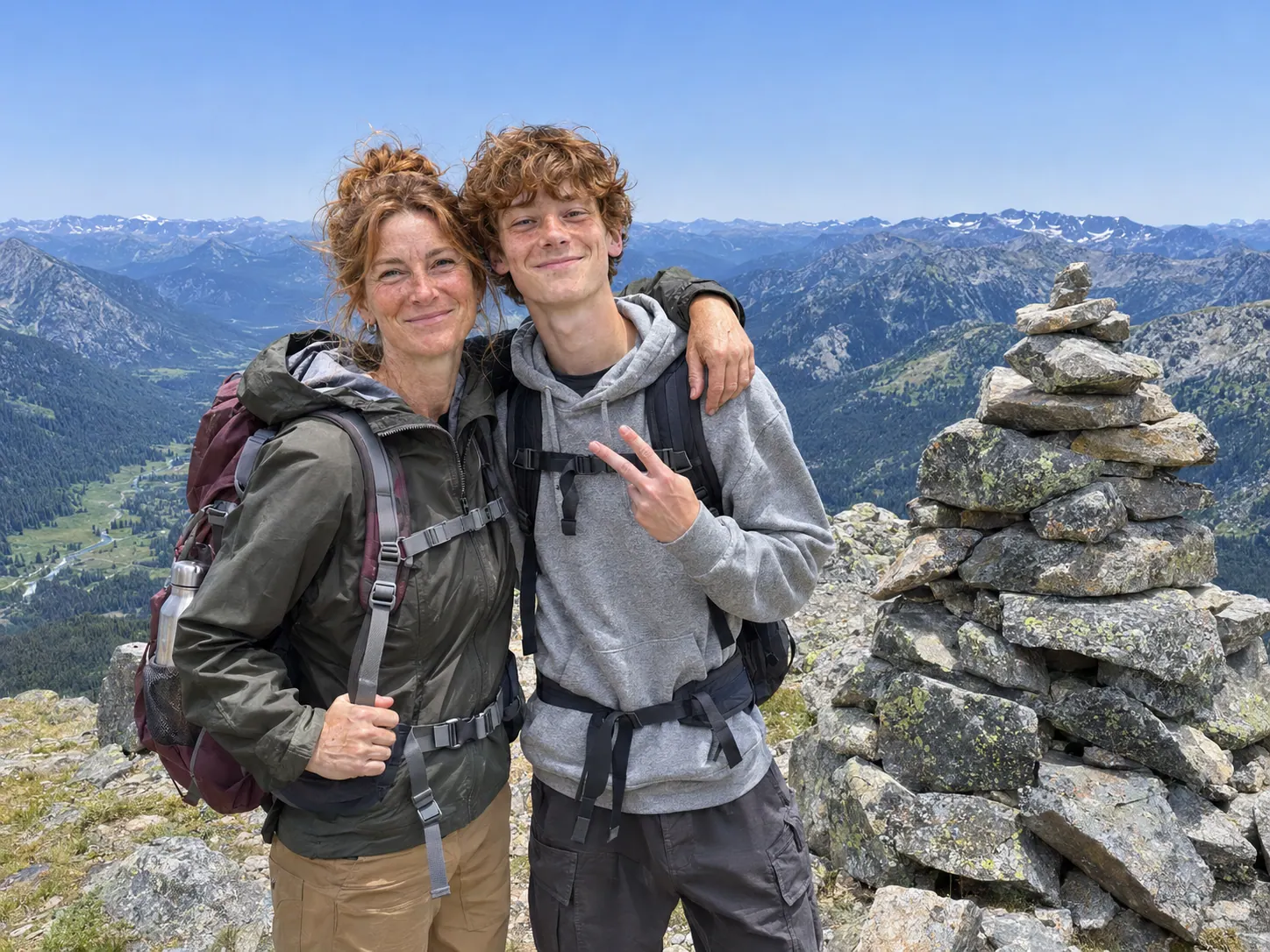
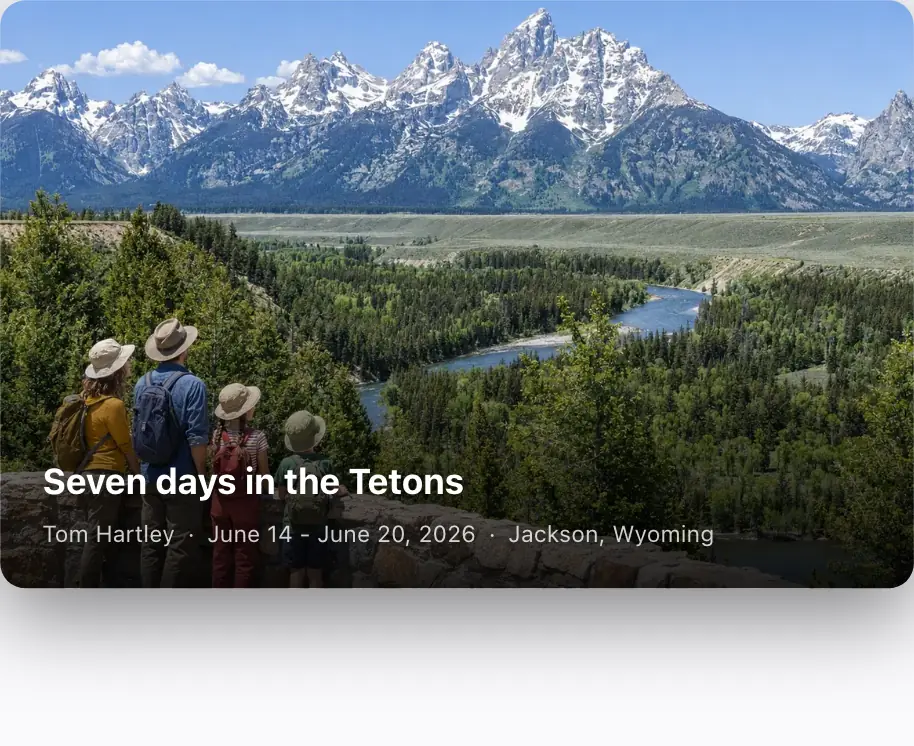
Seven days in the TetonsGrand Teton, Wyoming
STORY · JUNE · VACATIONS
Seven days, thirteen stops, one map you can follow day by day. Tap a stop and you are back at the lake.


THE MAP AND THE TIMELINE
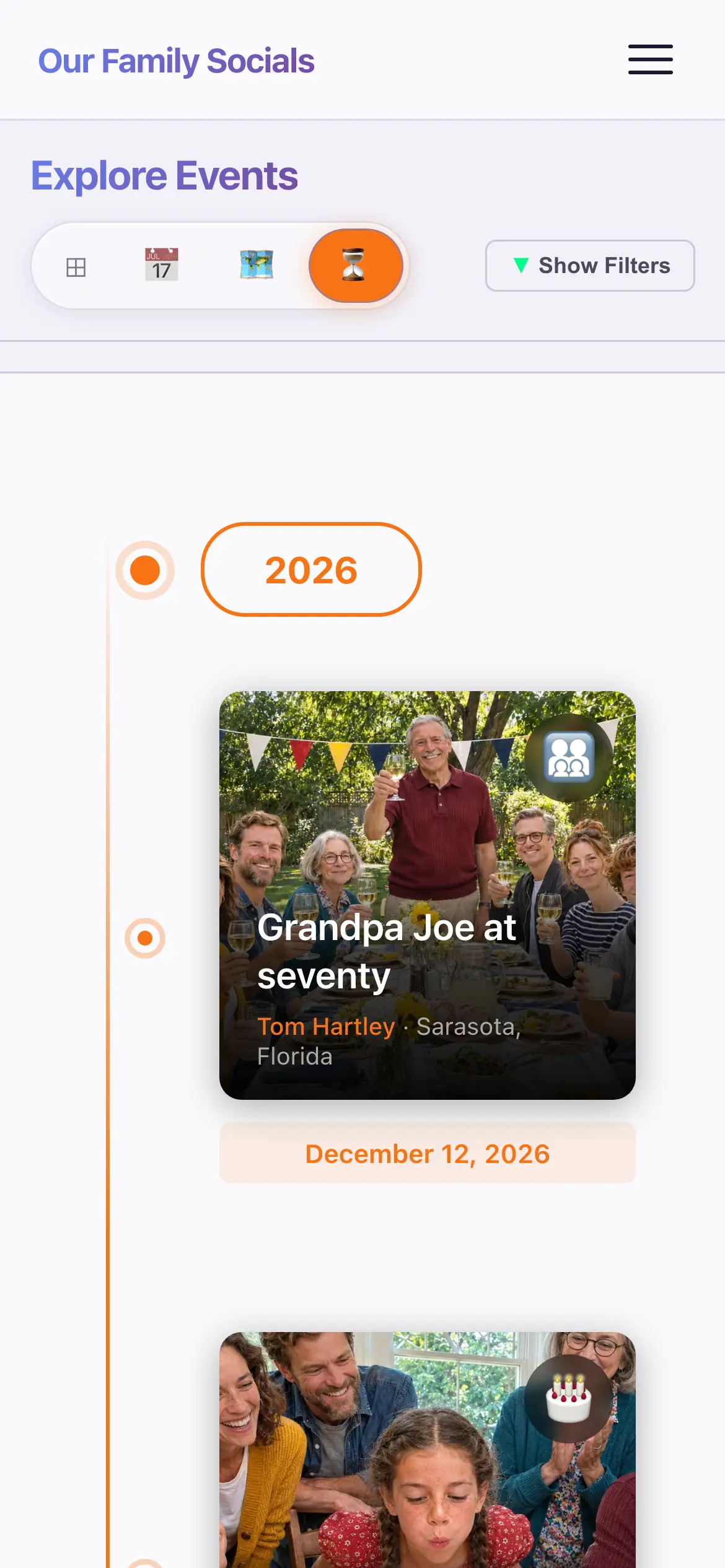
Every story with a place is a pin on the map, and the same stories run in date order on the timeline.
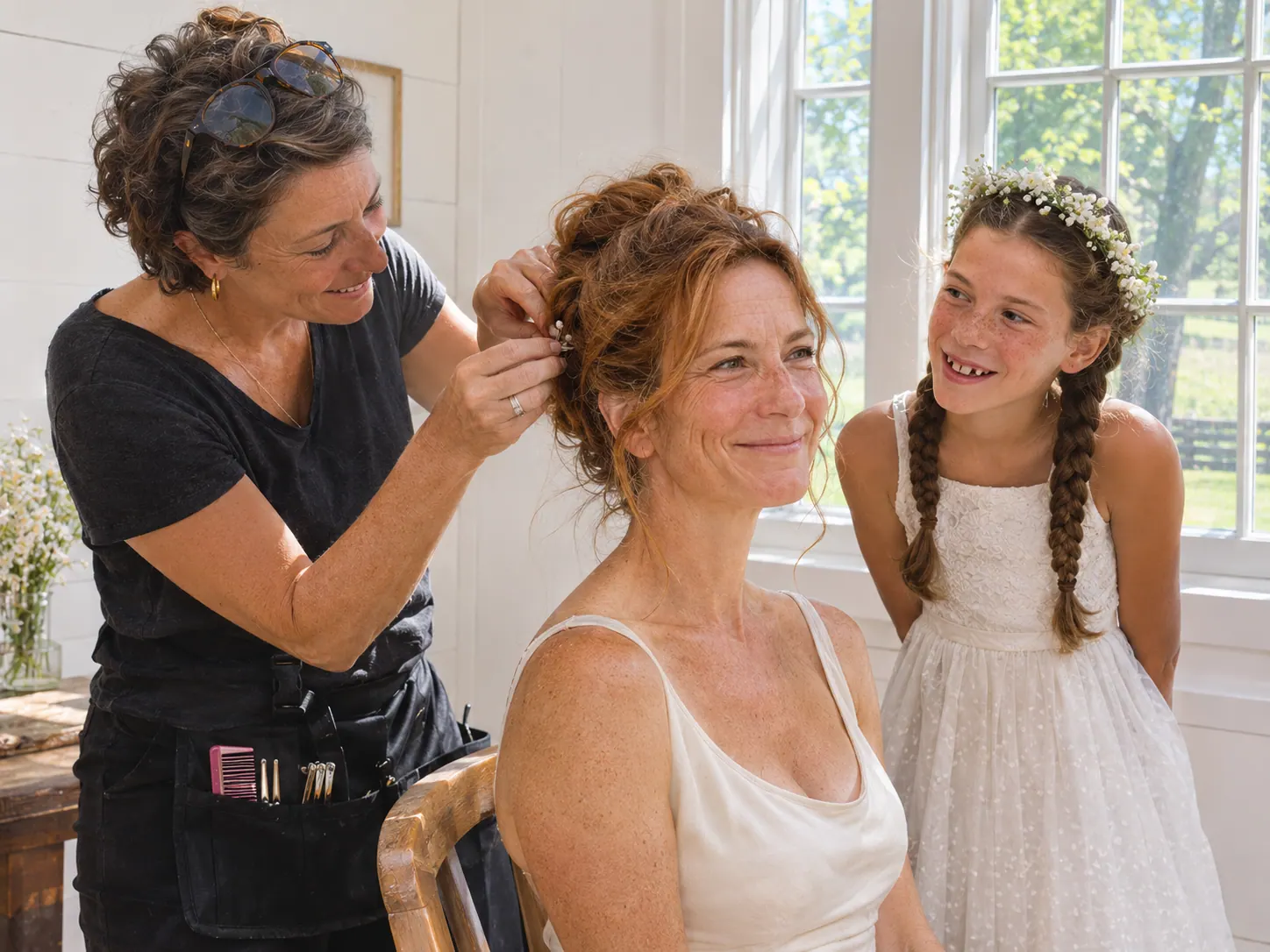



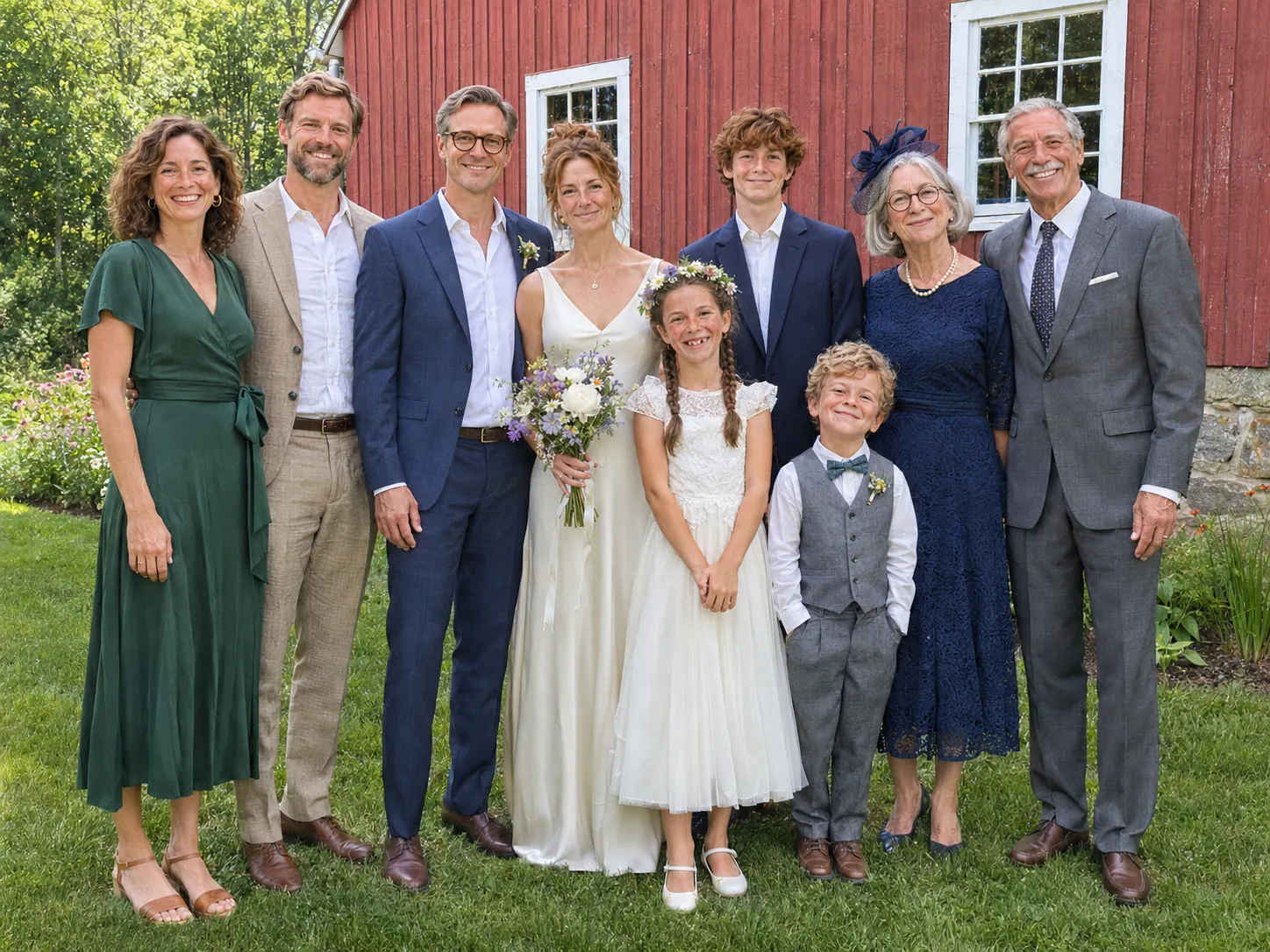


Nana RuthI cried at the vows, and again at the speech.
KateSo did I, and I knew what he would say.
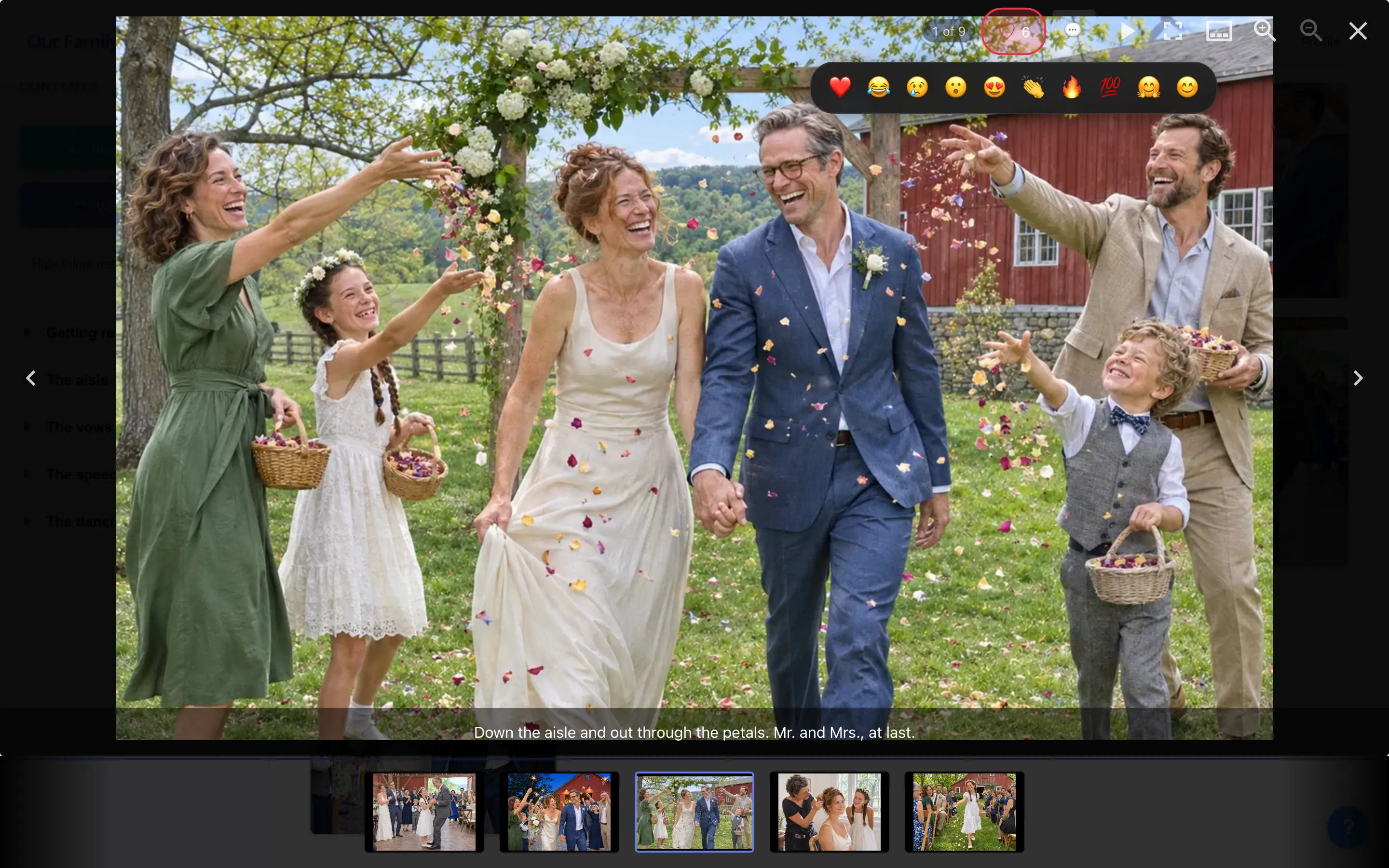
Kate and James get marriedHudson Valley, New York
STORY · MAY · WEDDING
Every photo with its caption, the speeches on video, and the family's replies underneath.
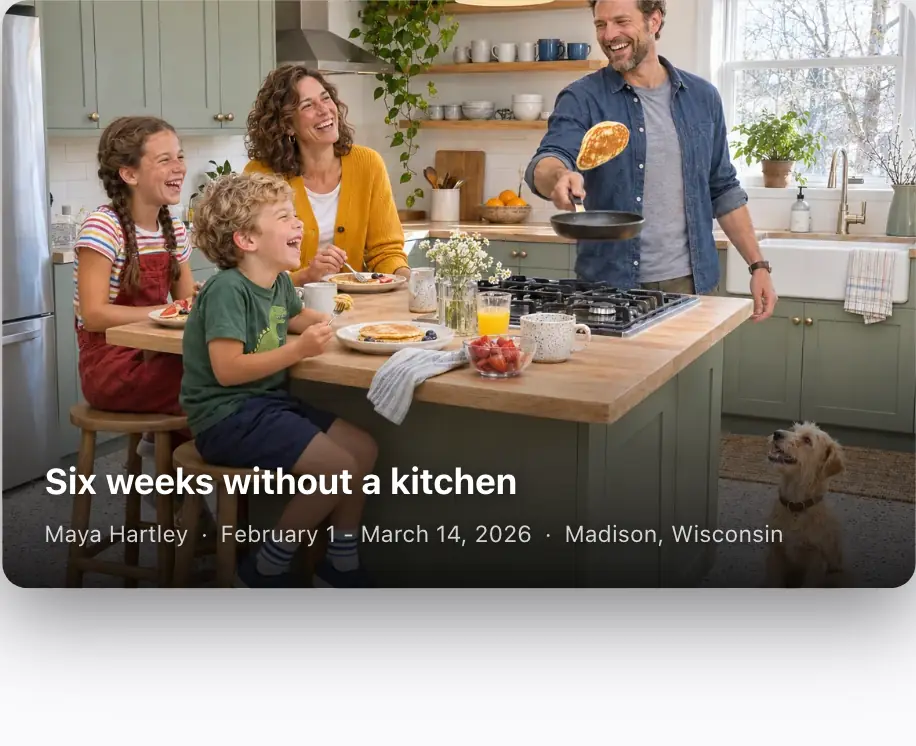
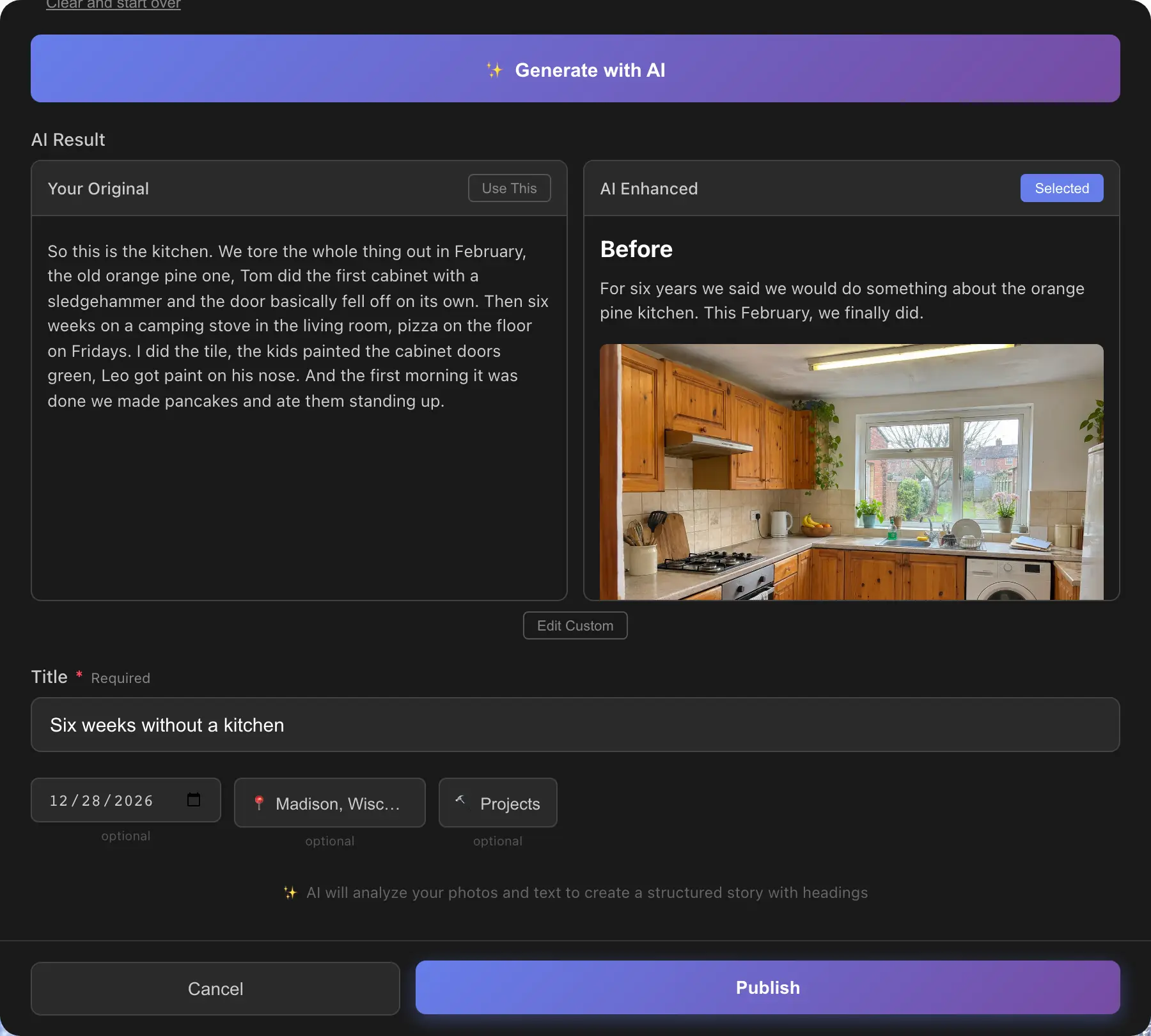
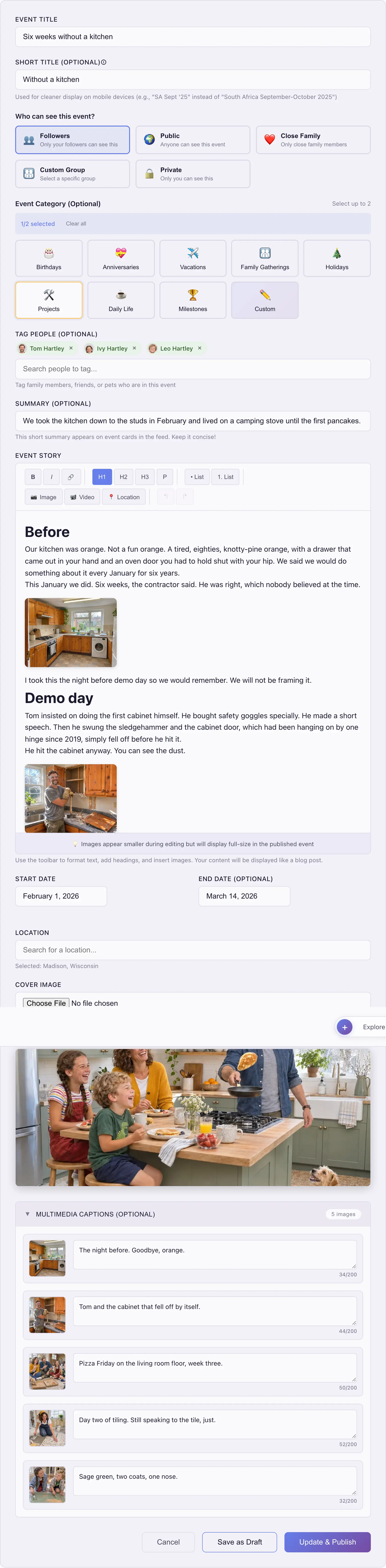
Six weeks without a kitchen
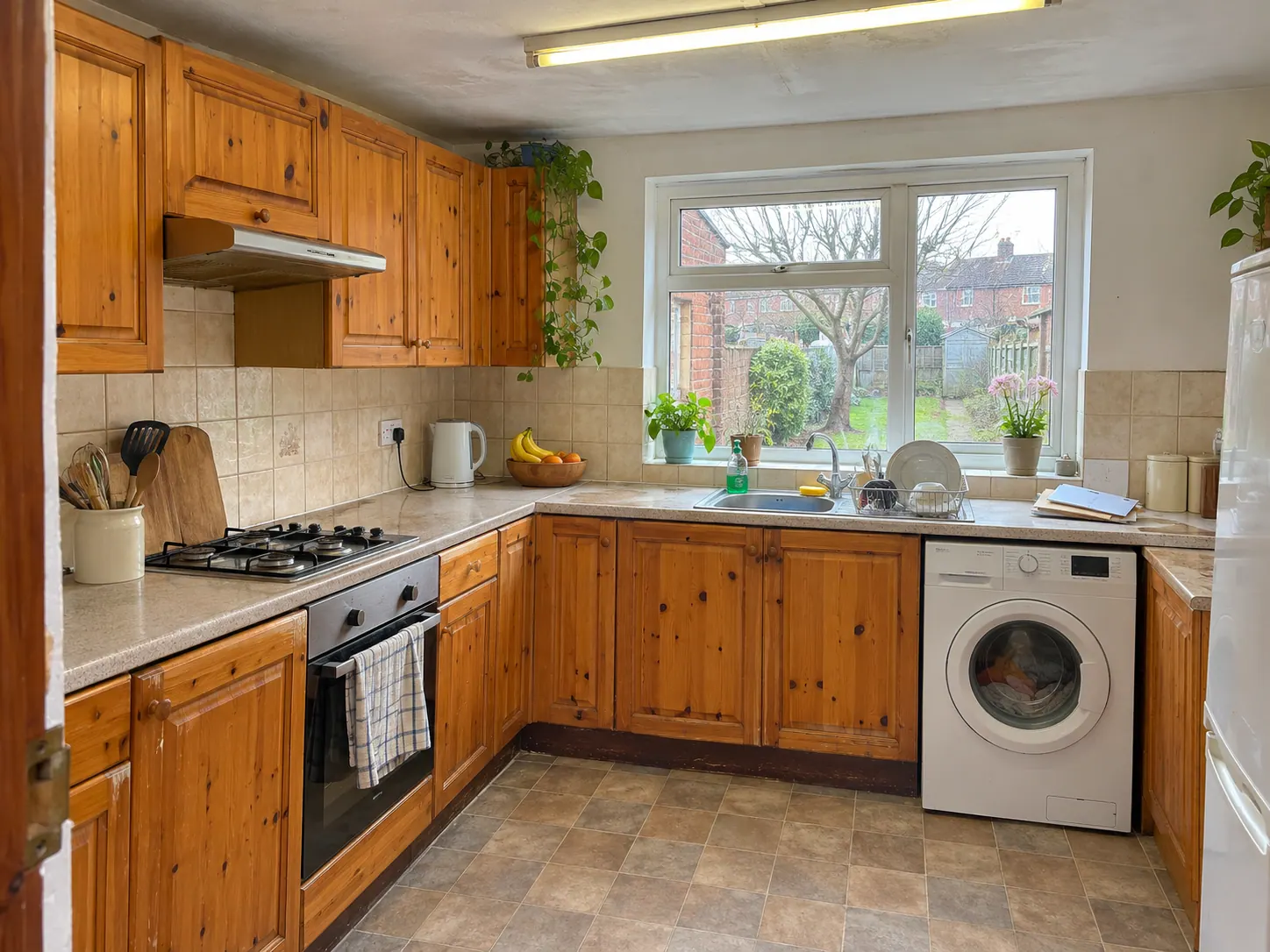
Before
The cabinets were older than we are, and the strip light hummed.

Living on a camping stove
Six weeks of pizza on the living-room floor. Nobody complained.

The first pancakes
Tom flipped one onto the new island. Biscuit got the second.



So in February we ripped the whole kitchen out and lived on pizza and a camping stove for six weeks…
Six weeks without a kitchenMadison, Wisconsin
STORY · FEBRUARY · PROJECTS
For yourself, and for the family and friends following along. Add the photos and talk it through, and the story writes itself up.



A named list you build from people you follow.
Dad's first marathonChicago, Illinois
STORY · OCTOBER · MILESTONES
Photos, clips of the last mile, and exactly the right crowd. This one went to the Run club.
Ivy at 20 · Leo at 17







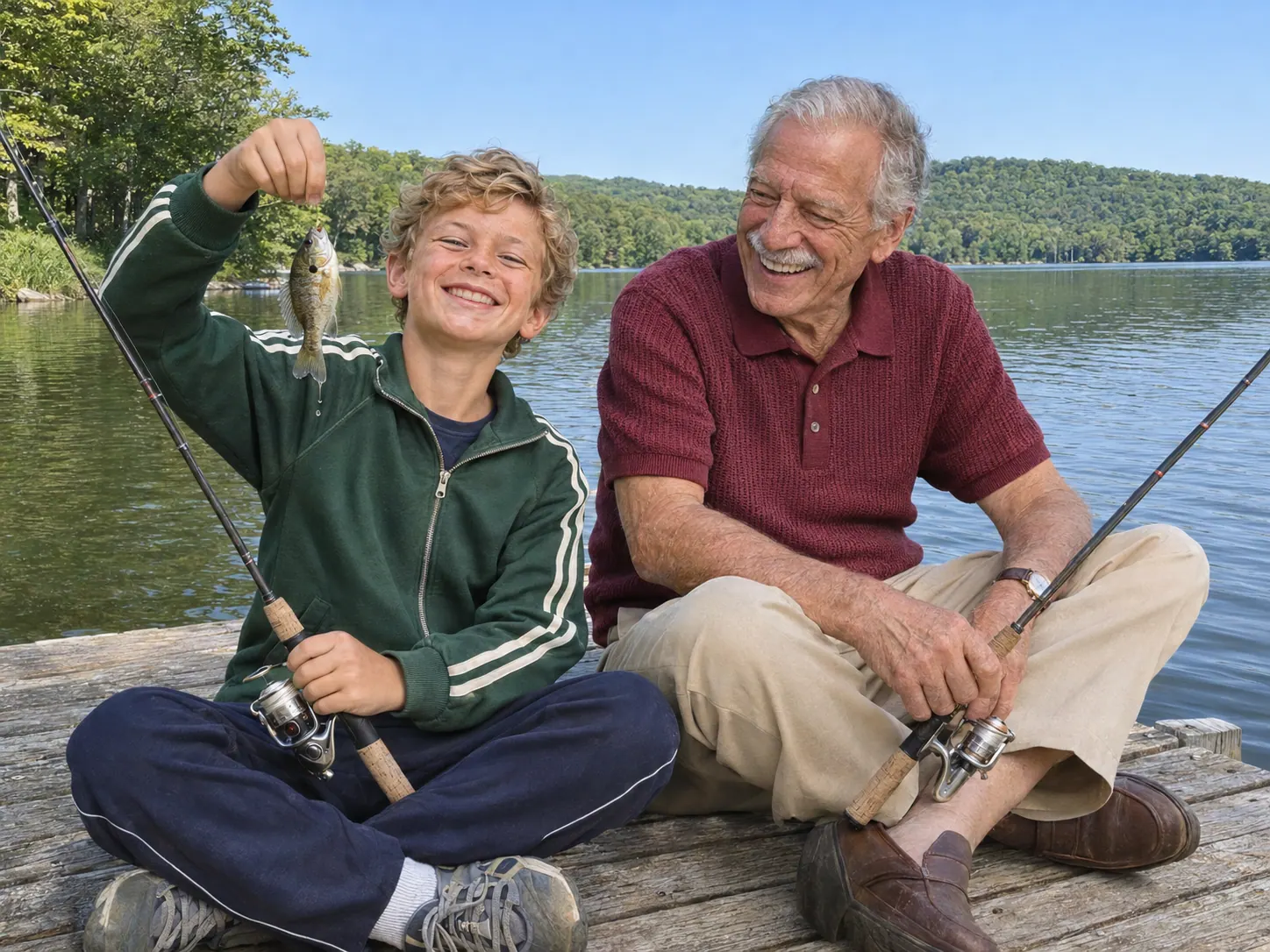


Ivy and LeoAt five ages
EVERY YEAR
Birthdays, holidays, first days and big wins, filed by date, person and category so you can find any of them again.
ONE YEAR · ONE FAMILY
Change the setting and see who could open a story shared that way.
THE APP
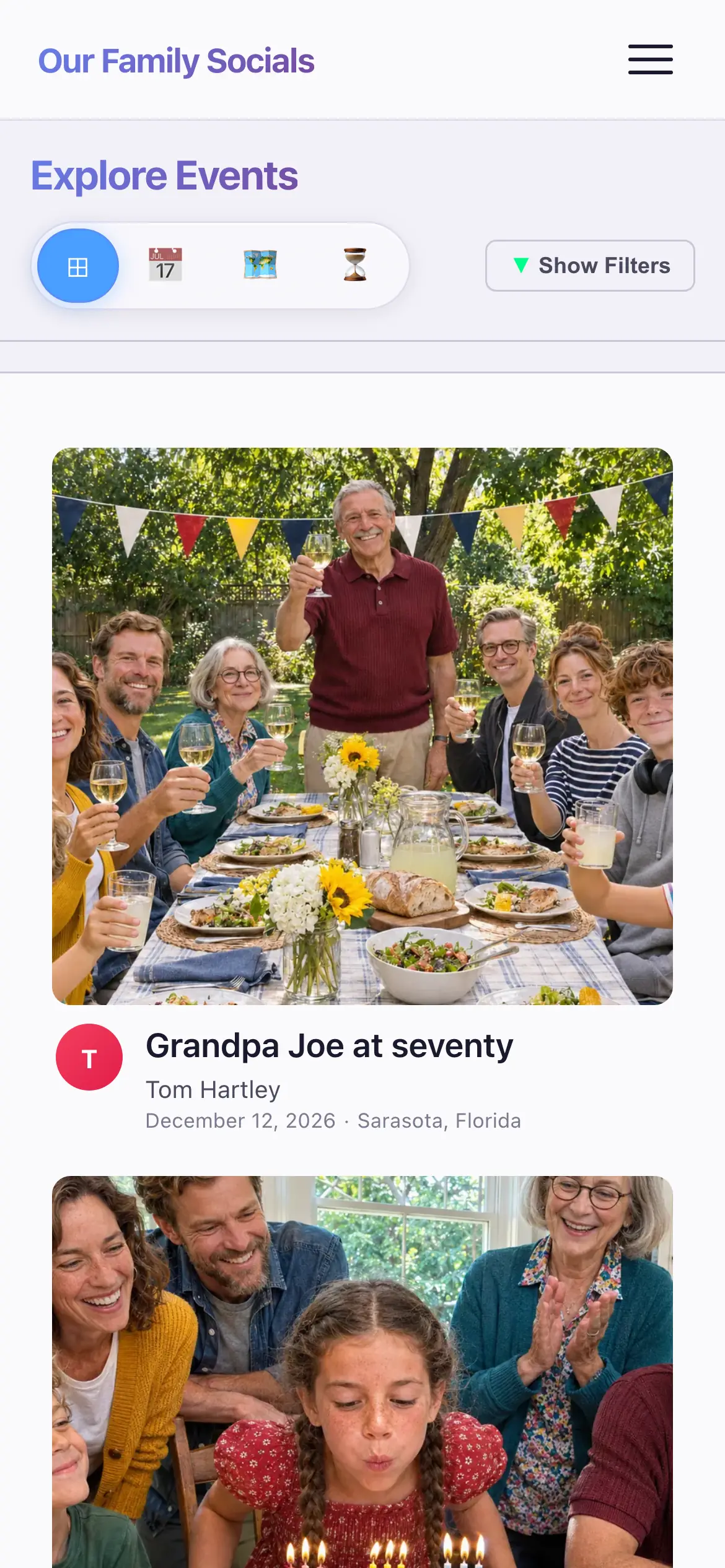
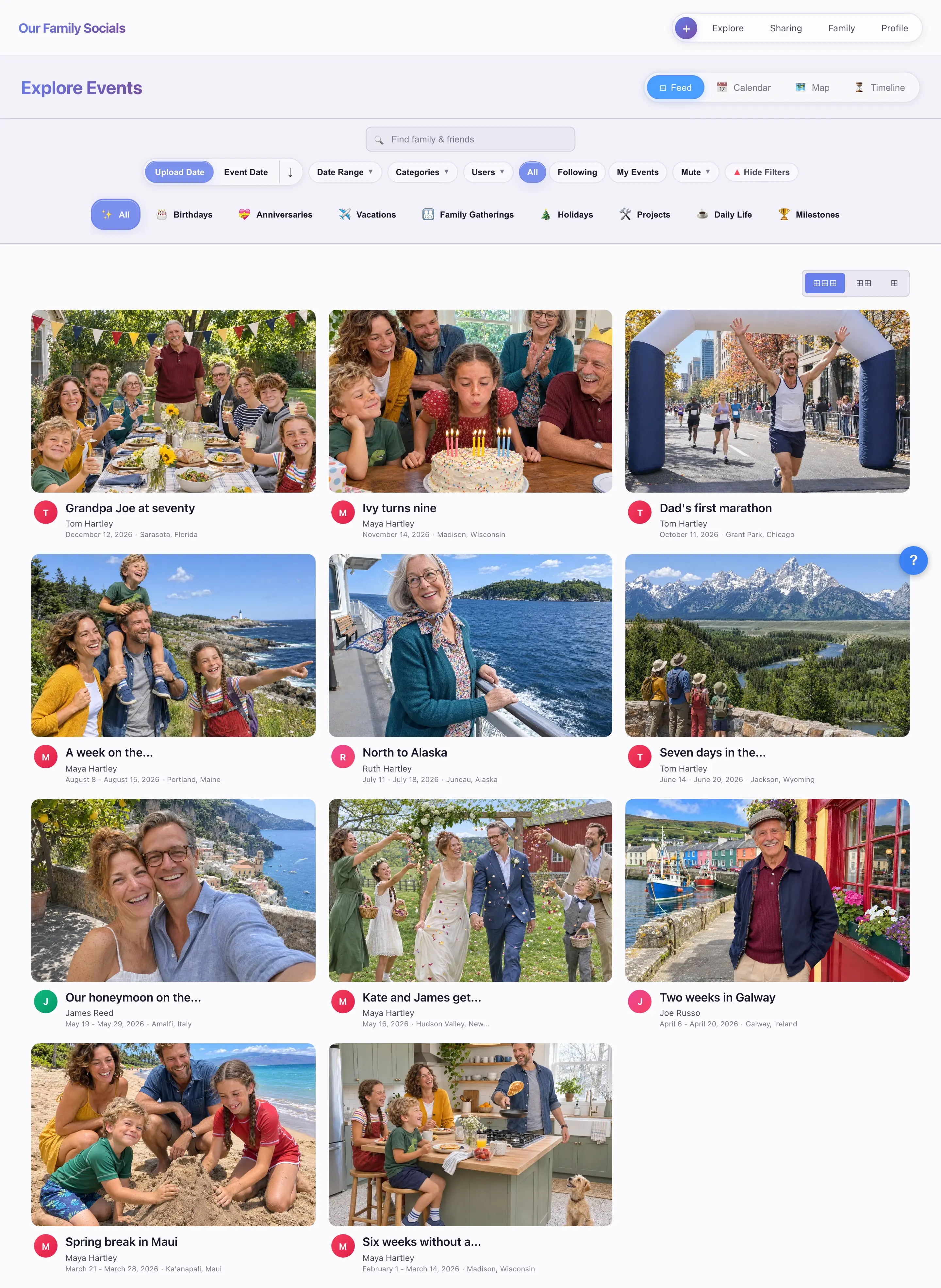
The feed is in date order. Nothing is ranked. Filter it by person, category or date.
Free to view, forever. Free to try for 30 days. Then $9 a month, billed yearly, to keep writing.
1,000,000 members
Like everyone before them, they chose to keep their life private from the world and share it with the people closest to them.

The few people who already know your kids' names.

No ads and no sponsored posts. The people who publish stories pay for it.
Pick who can open each story, from just you to anyone with the link.
Nothing is ranked. Your family’s stories are listed by date.
A post
One photo and one line about the whole week away.
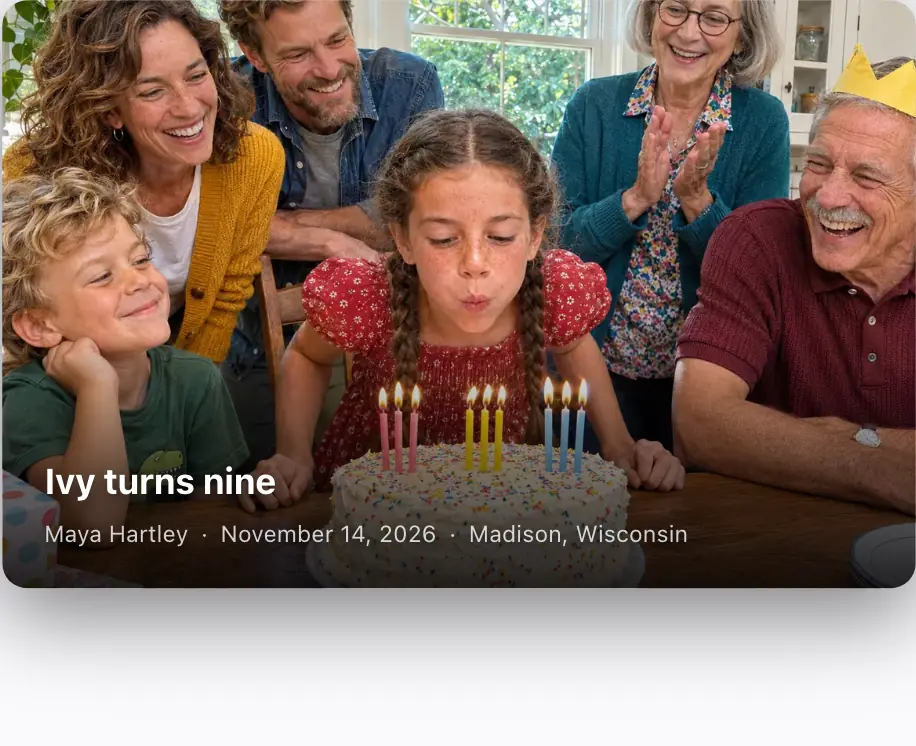
Nine. Where did the time go.
A story
Written chapters, every photo with a caption, the video clips and a map of everywhere you went.


Your trial lasts 30 days and needs no card.
Publish your first 5 stories during the trial.

Send a follow request or an invite link. Accepting a request lets that person open your Followers stories; follow them back to open theirs.
An invite link sets up following in both directions.
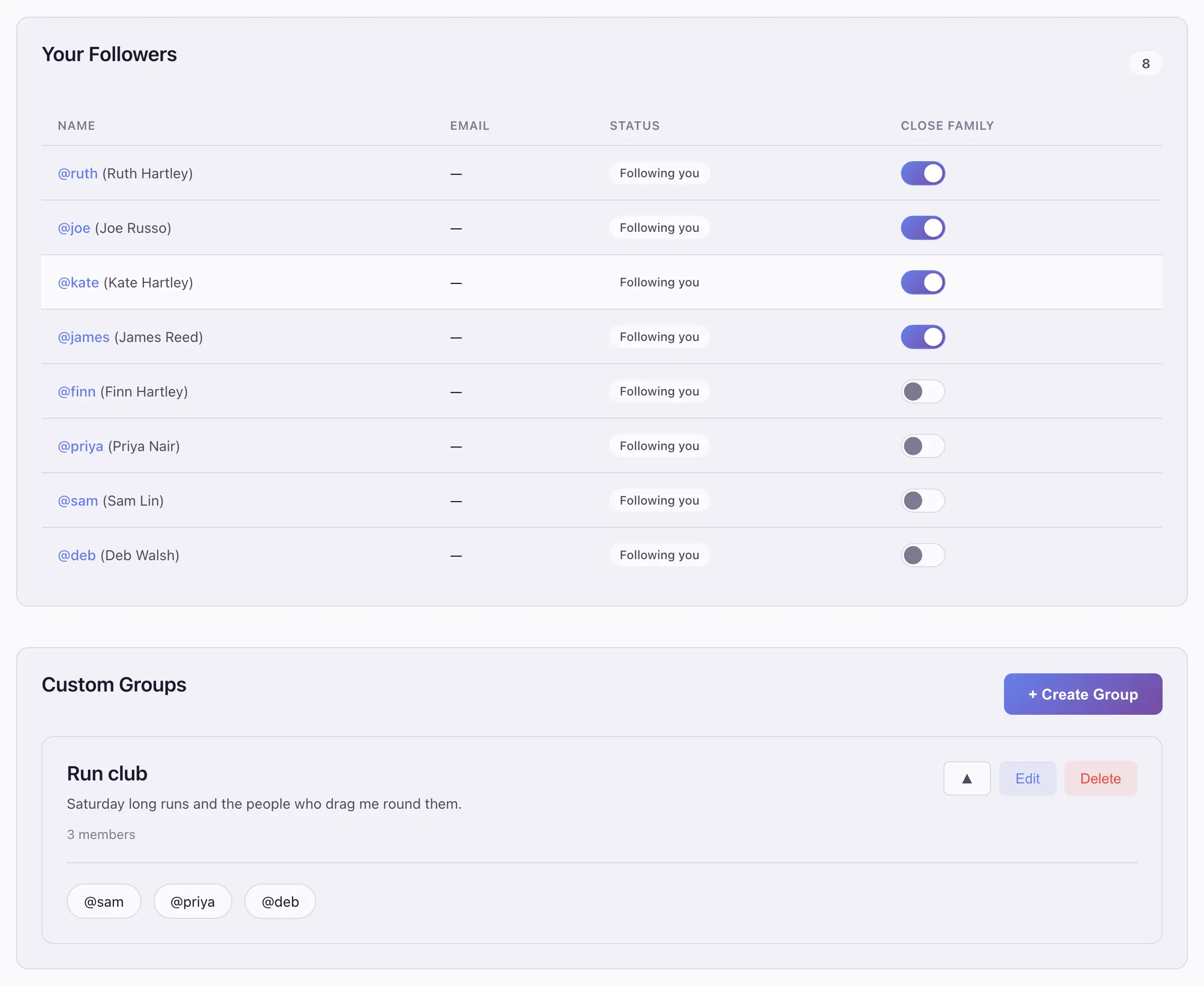
Check Close Family for the grandparents and the inner circle, or build a group of your own.

Three ways in: let AI Create write it from your photos, add a big batch with Smart Import, or write it yourself.
Add the photos and clips; the places come from the photos.
People who follow you get an email when you publish.
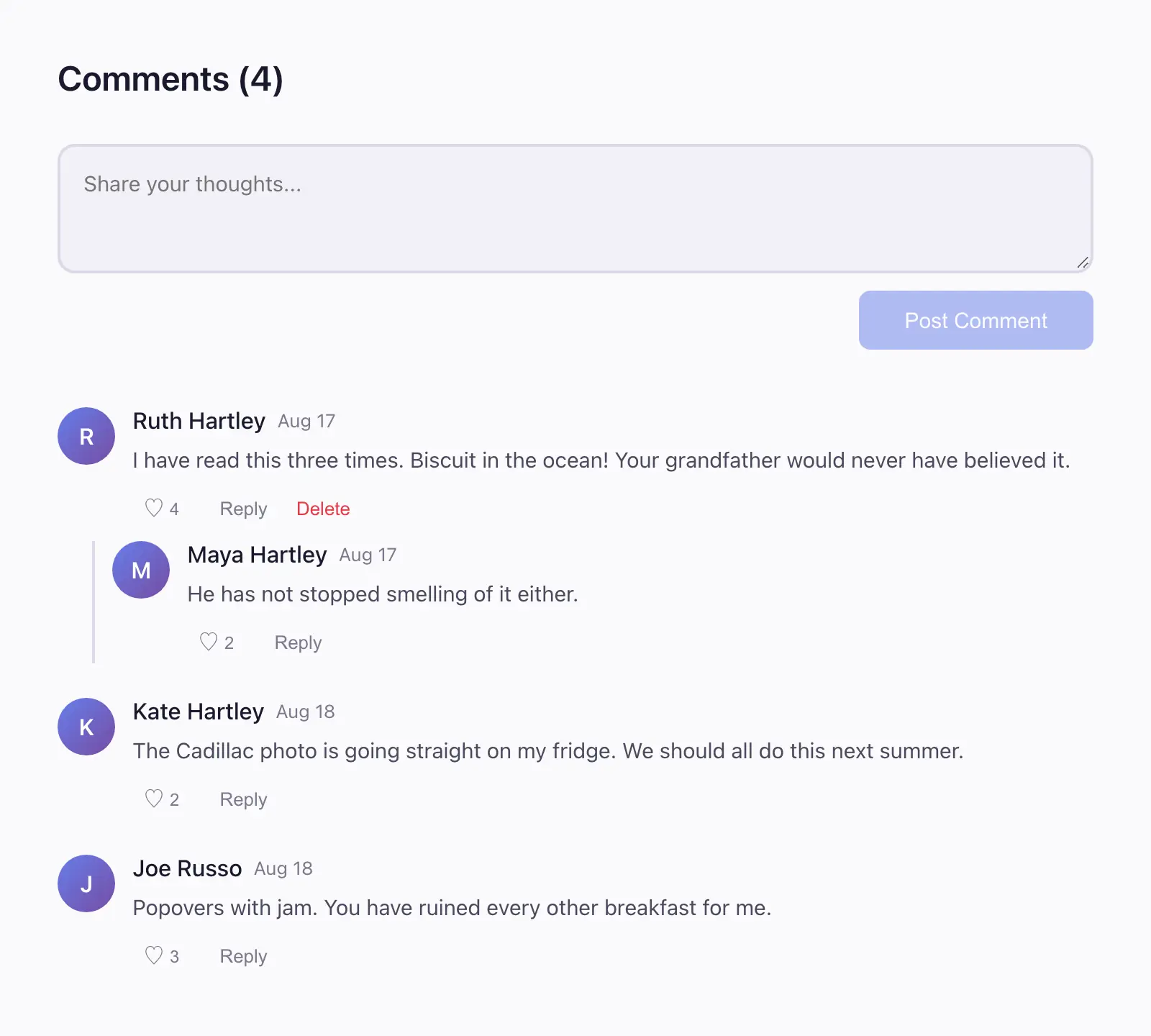
10 reactions on photos and on comments. Replies nest 3 levels deep.
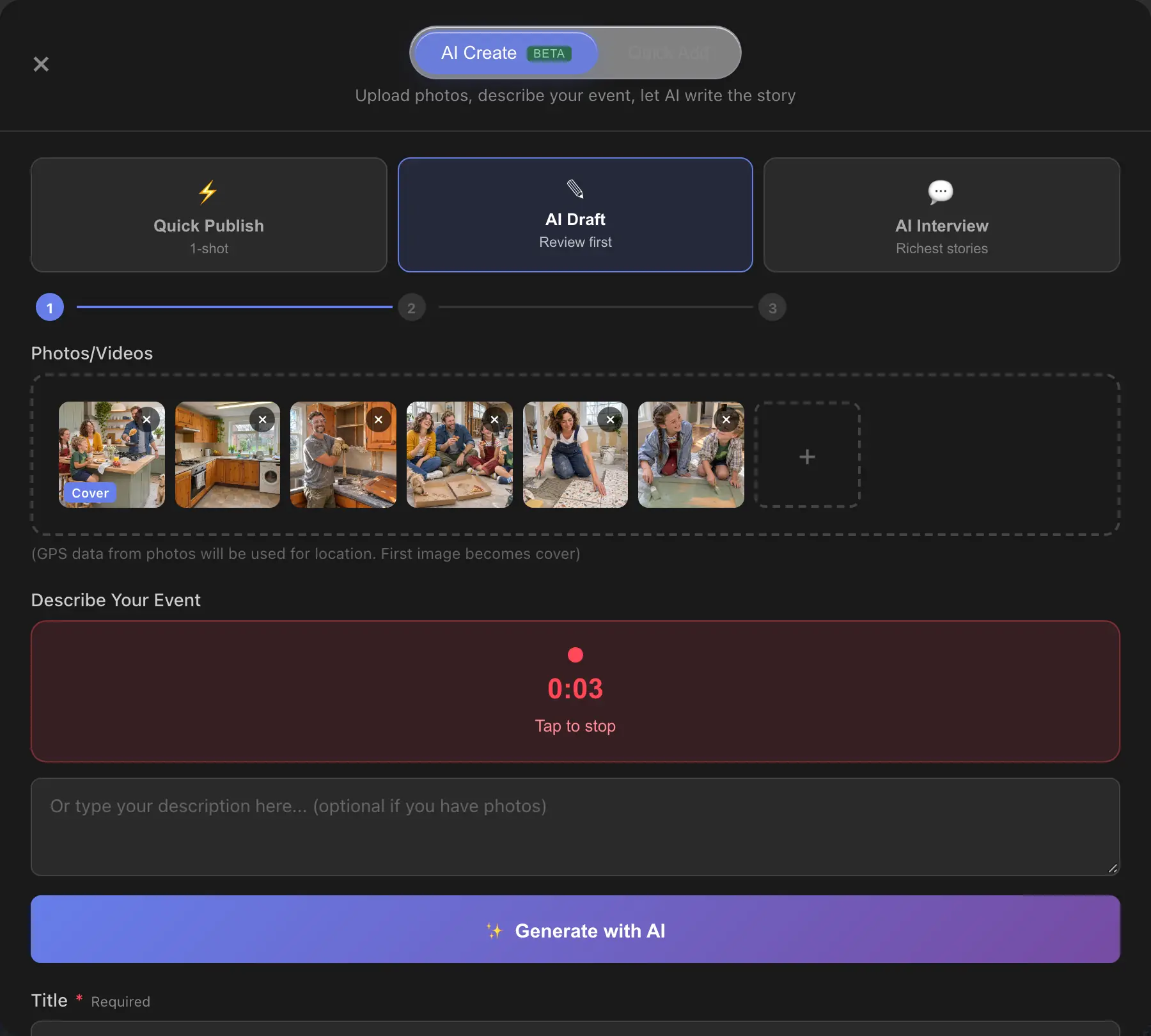
Pick the photos from the trip and AI Create writes the story straight away. Add a few typed lines or a voice note and it has more of your own words to work with. Let it ask you a few questions and it has more still.
Start with photos. Add as much as you like.

Add photos
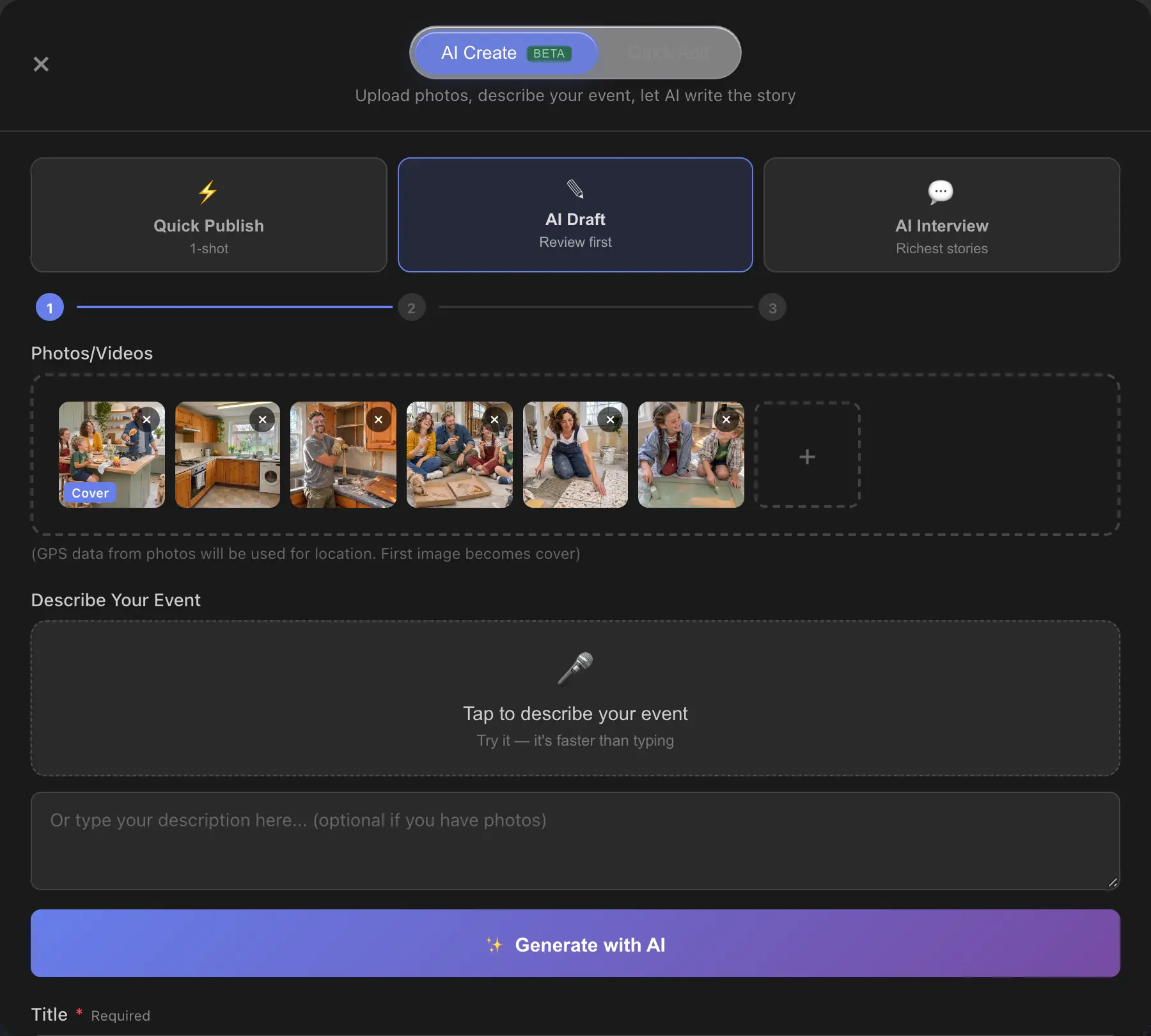
Talk
Check the draft
The real app.
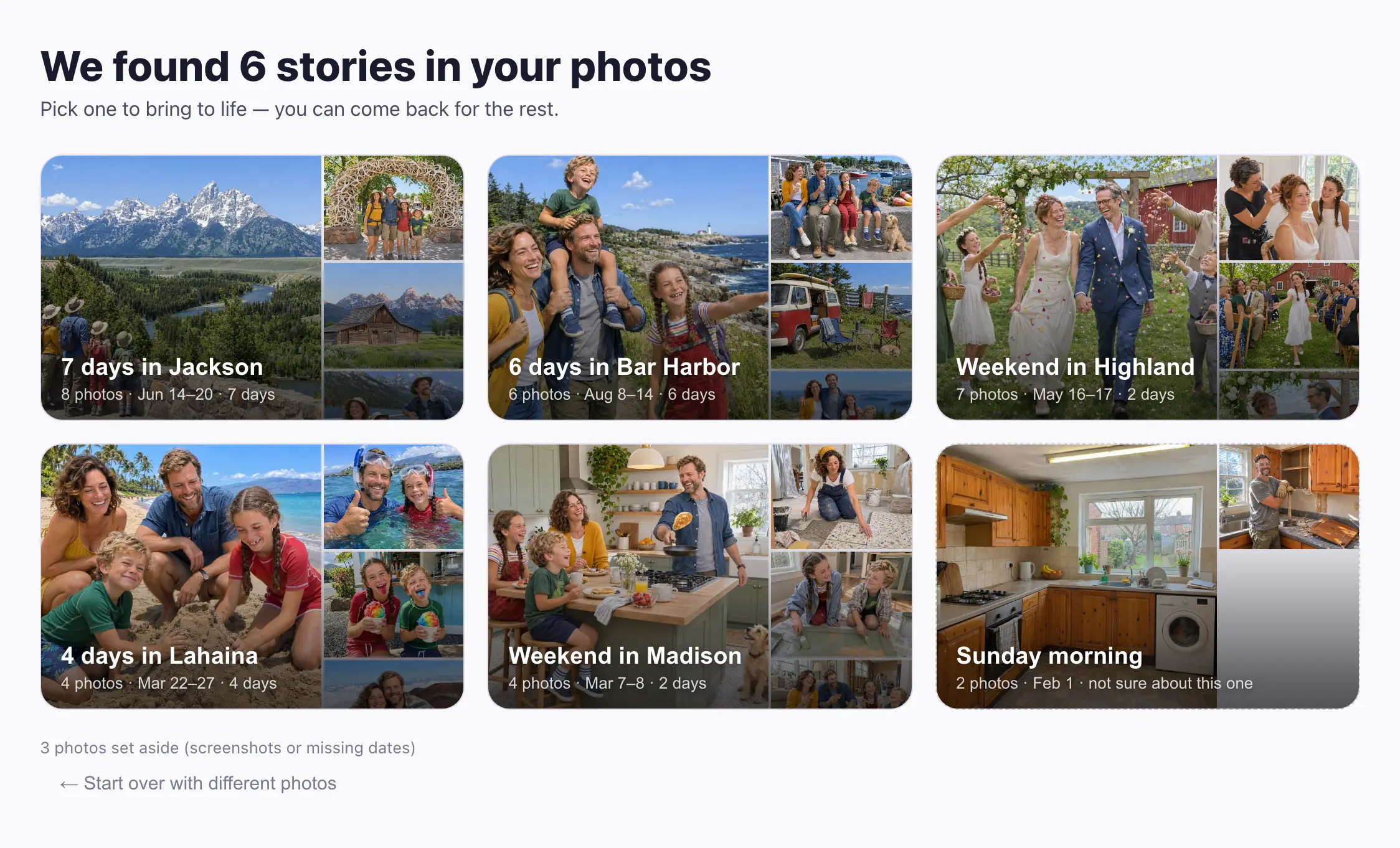
Pick a whole bunch.
Choose up to 300 photos from your phone at once.
The time and place of each are read right on your device.
In they go, all in one pile.
A photo with no time taken, like a screenshot, is set aside as unsorted.
Lined up by when they were taken.
Photos are put in the order they were taken, by the local clock where they were taken.
A photo with no location borrows one from a photo taken within 30 minutes of it.
Split where the time or the place jumps.
A gap under 45 minutes never starts a new group. A gap over 8 hours always does.
In between, it breaks where the gap is long for that stretch of photos, or where you moved more than about 3 miles.
Days away become one trip.
Home is the area your photos cover on the most different days. Groups more than about 30 miles from it count as away.
Away groups up to 40 hours apart and within about 125 miles of each other become one trip, with a chapter for each day.
A day starts at 4 in the morning, so a late night stays with its day.
Out come the albums.
A group of fewer than 5 photos joins a neighbor within 3 hours. One or two photos left on their own go to unsorted.
Each album gets a title hint, like “Weekend in” and the place, and a cover photo.
You pick an album, and its photos become a story. The rest stay on your device.
Back from a summer of trips with a phone full of photos? Choose up to 300 at a time. Smart Import reads when and where each was taken and sorts them into albums: the week on the coast, the weekend away, the birthday party. You pick one, and only then are its photos uploaded.


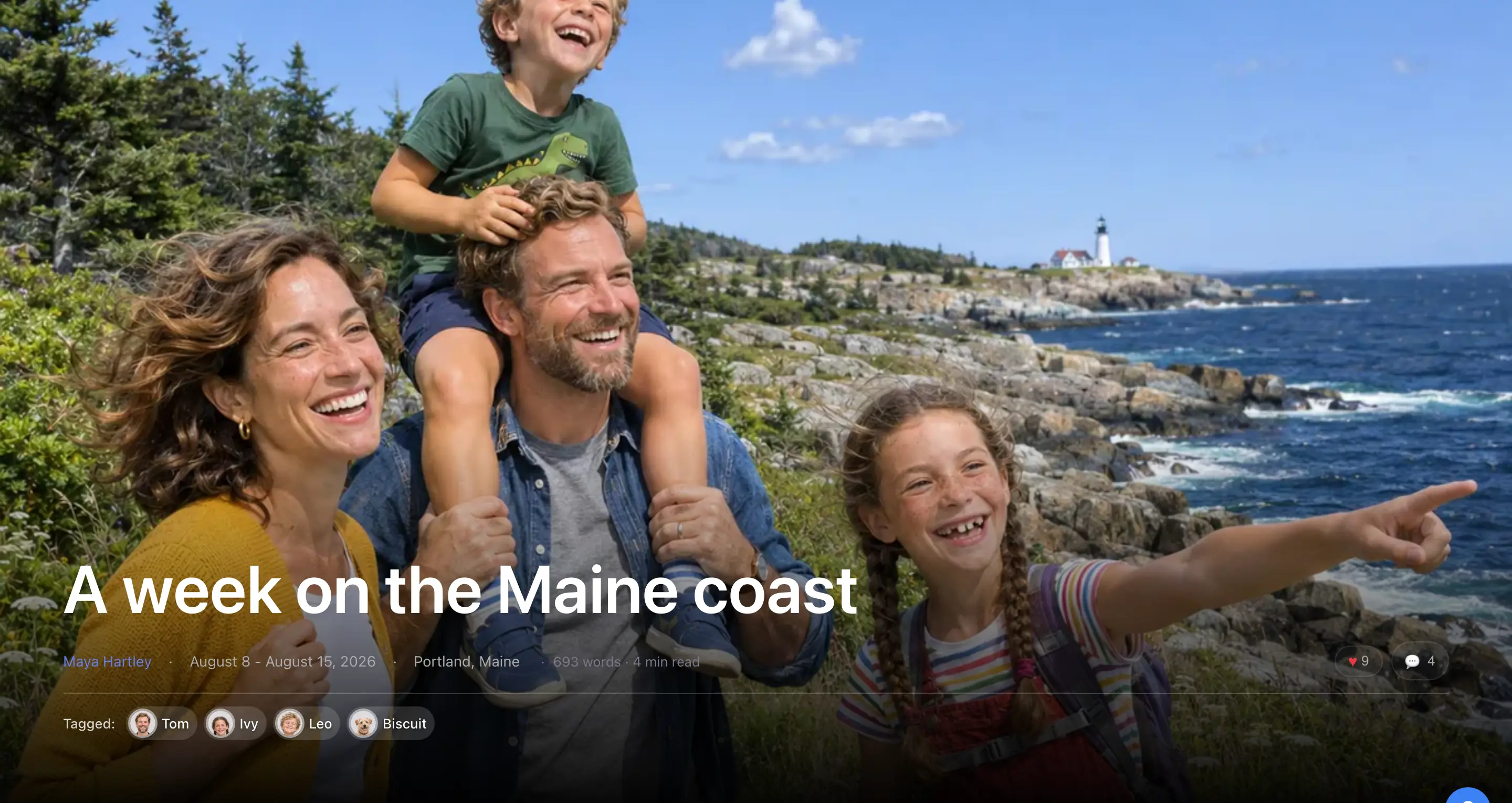
This is "A week on the Maine coast", the whole page, as Nana Ruth opens it. Scroll and it comes apart, piece by piece.
01Cover and title
The trip opens on its best photo, with the title, the place and the dates.
Whoever reads it can leave the story a like.
02Tags
Tag everyone who was there, including people with no account: a child, a grandparent, the dog.
They can claim their profile later.
03Contents

A week is a lot of story. The page builds a contents list from your headings, so anyone can jump to the day they want.
The editor has headings, bold, italic, links and lists.
04Video clips
From another of the family’s stories
The moment itself, moving: clips sit in the text like photos, each with a caption.
Add them right in the editor, beside the photos.
05Text and captioned photos
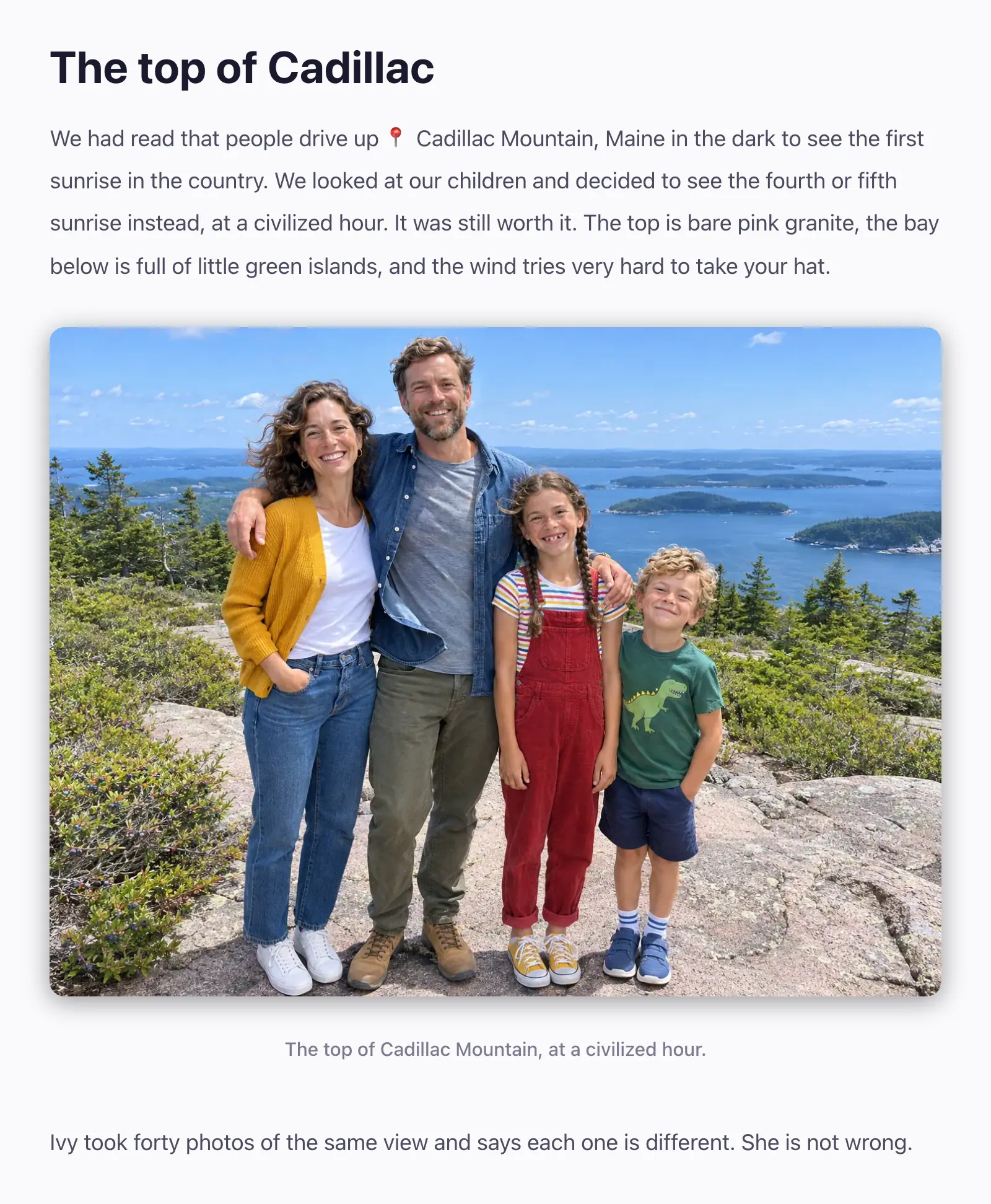
Tell it the way you would at the dinner table, with each photo right where it happened and a caption of its own.
Photos straight from an iPhone, HEIC included.
06Journey map
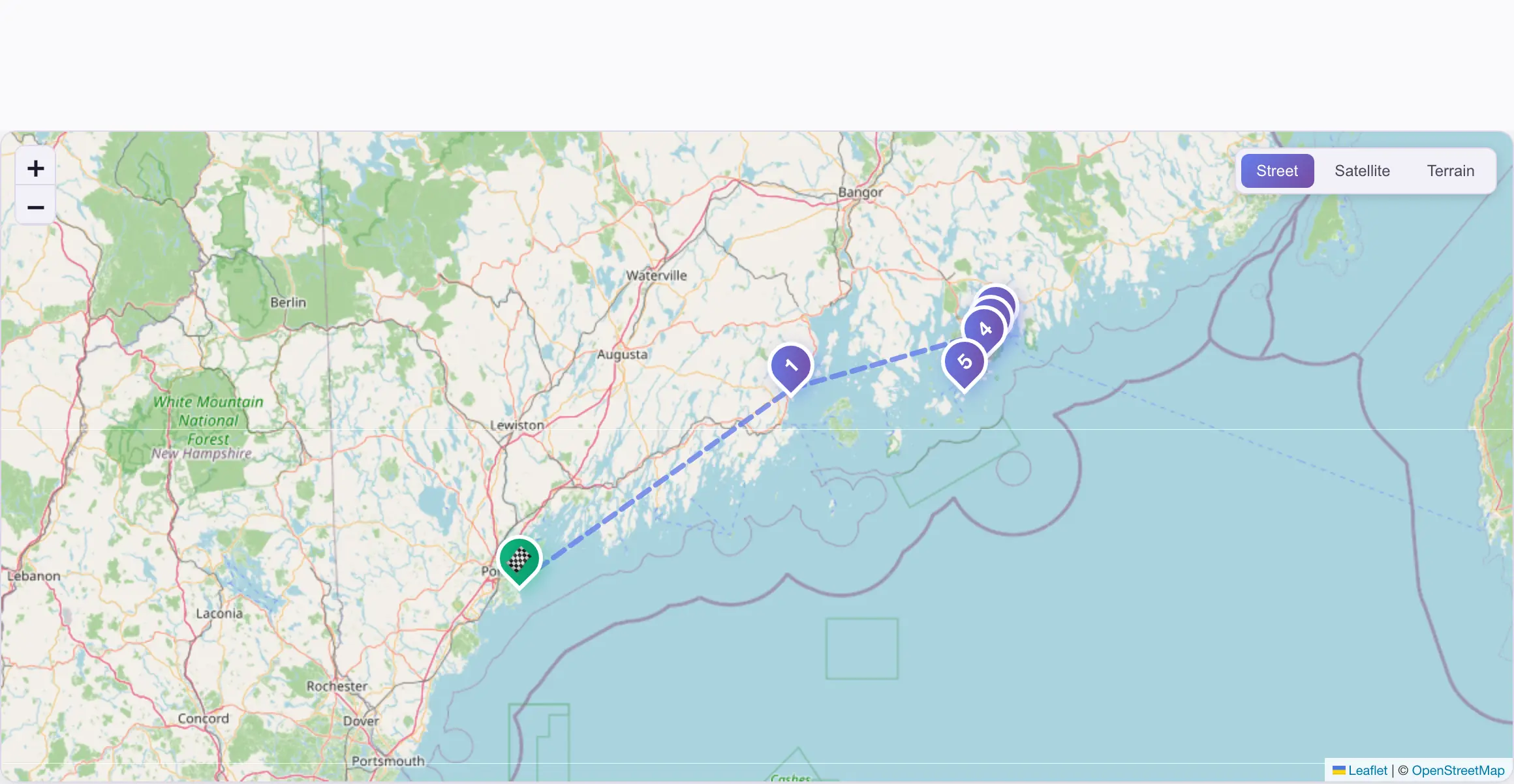
Every place you stopped, on the trip’s own map. GPS and the time taken are read from each photo in your browser before upload.
Each located photo becomes a stop. Stops are numbered and joined by a dashed line in order.
07Gallery
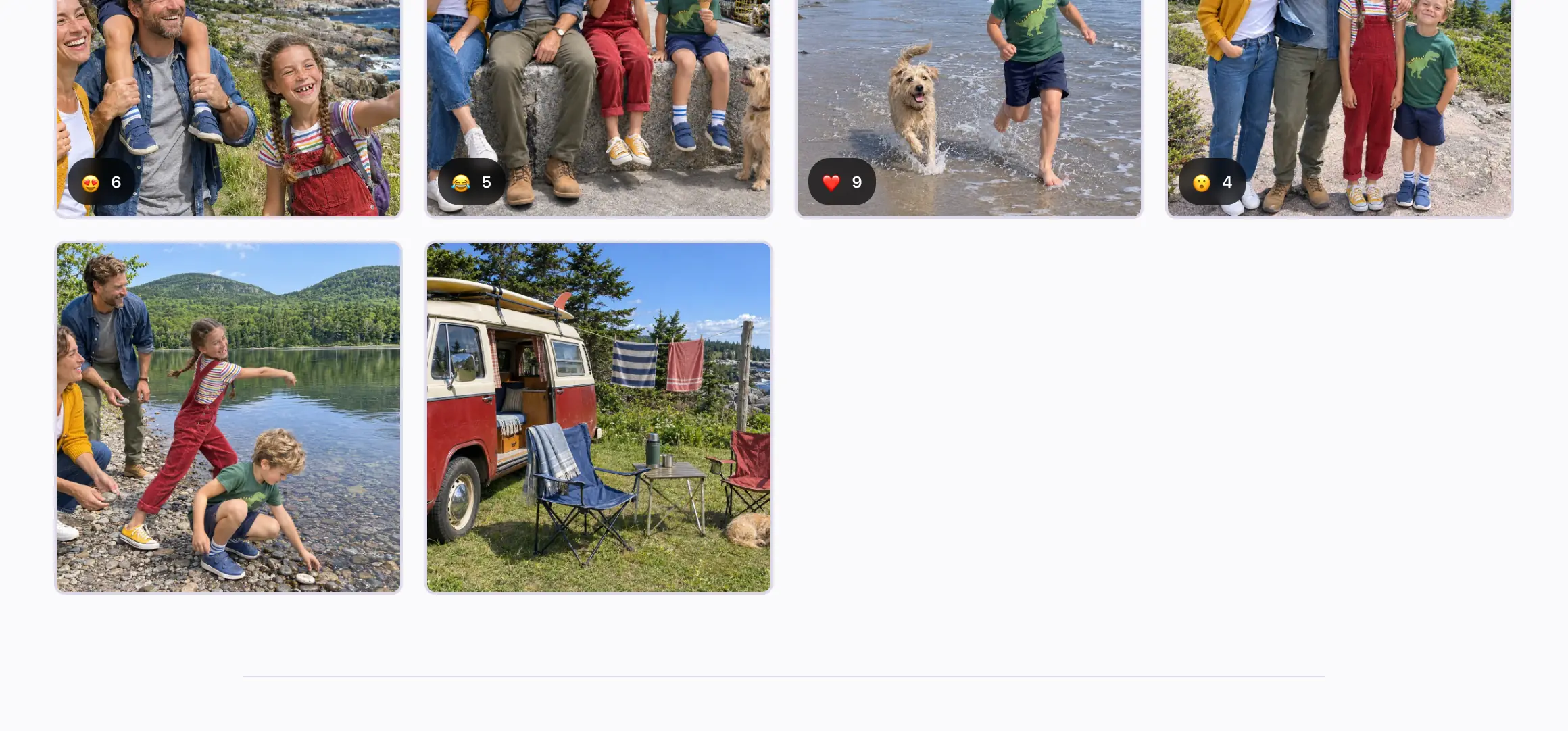
Every photo from the trip, together at the end of the story.
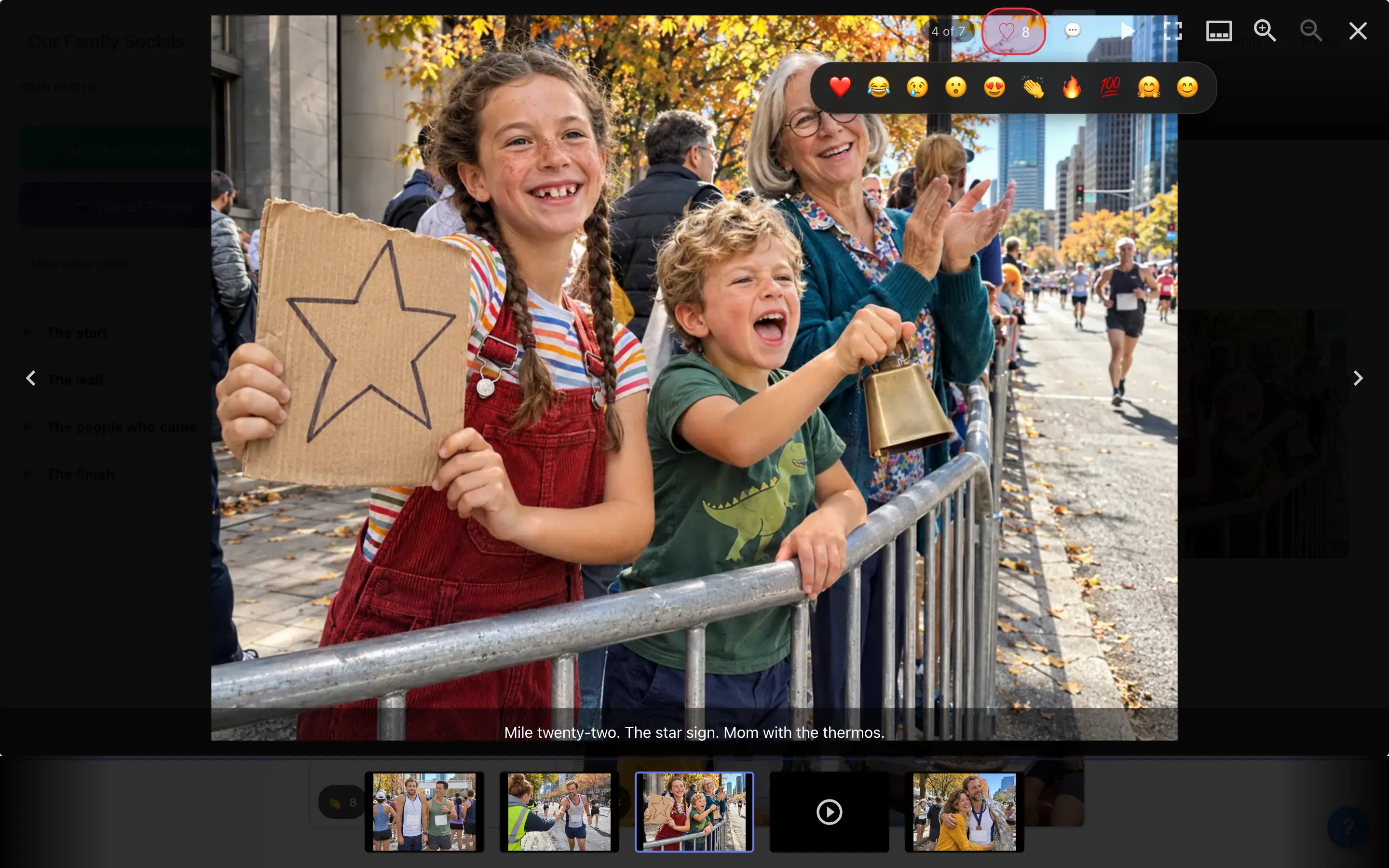
The gallery opens full screen, with a slideshow and zoom.
08Reactions
The family reacts to the photo they love: 10 reactions on every photo and every comment.
The caption travels with the photo into the full-screen view.
09Comments and replies
Grandpa asks, you answer, he replies. Comments sit under the story where the family talks about it.
Replies nest 3 levels deep, so a conversation keeps its shape.
10Audience and share link
The author’s view
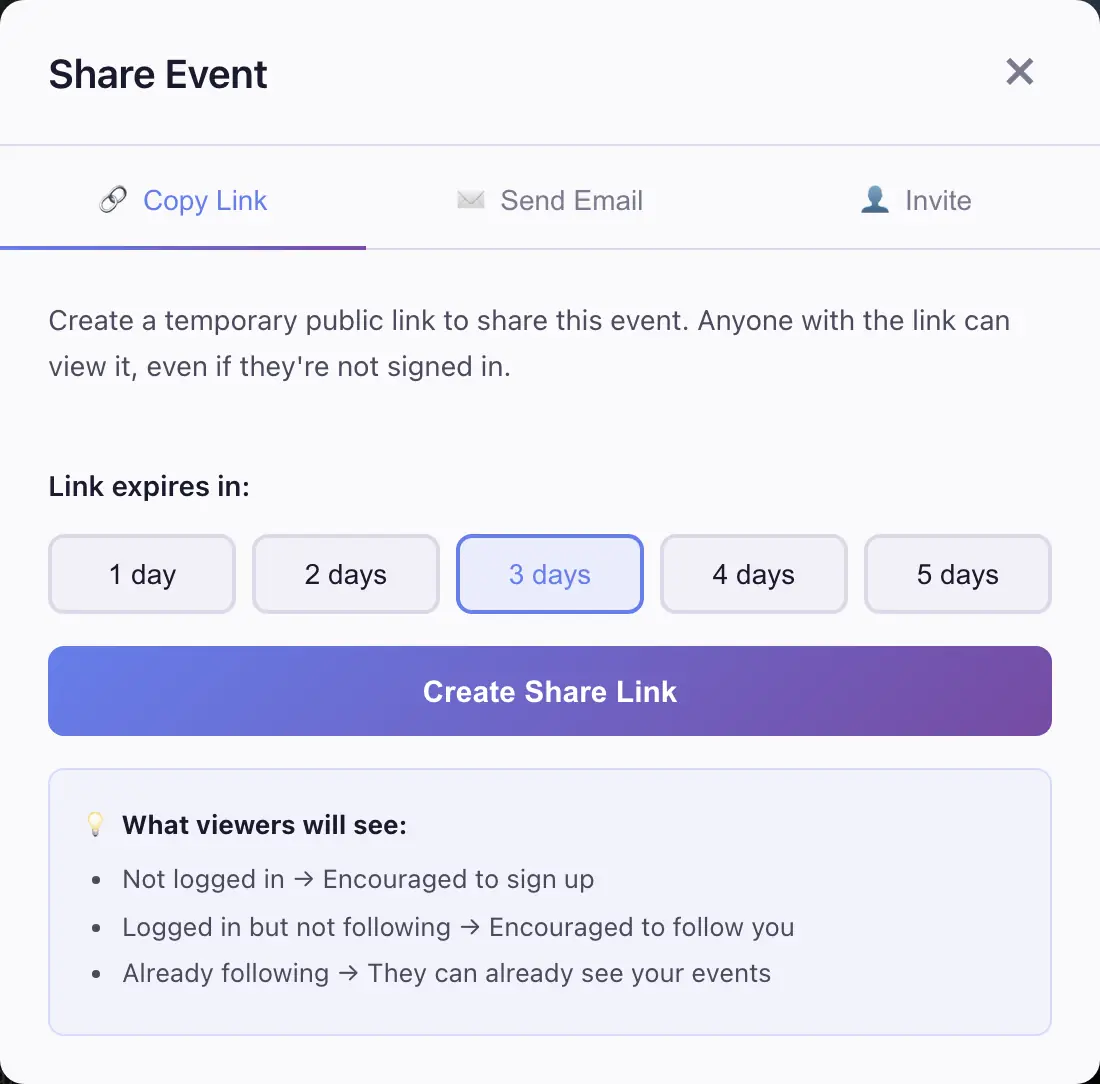
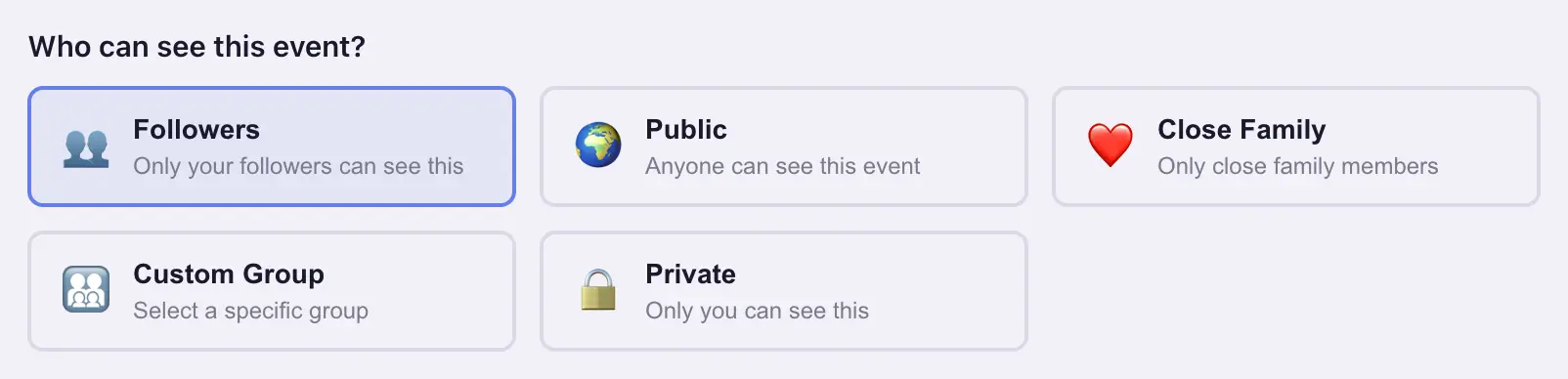
You choose who opens it, one of 5 audiences per story. New stories start on Followers.
A share link opens this one story for anyone you send it to, no account needed, for 1 to 5 days.
The real app.
This is "A week on the Maine coast", the whole page, as Nana Ruth opens it. Scroll and it comes apart, piece by piece.
The trip opens on its best photo, with the title, the place and the dates.
Whoever reads it can leave the story a like.
Tag everyone who was there, including people with no account: a child, a grandparent, the dog.
They can claim their profile later.
A week is a lot of story. The page builds a contents list from your headings, so anyone can jump to the day they want.
The editor has headings, bold, italic, links and lists.
The moment itself, moving: clips sit in the text like photos, each with a caption.
Add them right in the editor, beside the photos.
Tell it the way you would at the dinner table, with each photo right where it happened and a caption of its own.
Photos straight from an iPhone, HEIC included.
Every place you stopped, on the trip’s own map. GPS and the time taken are read from each photo in your browser before upload.
Each located photo becomes a stop. Stops are numbered and joined by a dashed line in order.
Every photo from the trip, together at the end of the story.
The gallery opens full screen, with a slideshow and zoom.
The family reacts to the photo they love: 10 reactions on every photo and every comment.
The caption travels with the photo into the full-screen view.
Grandpa asks, you answer, he replies. Comments sit under the story where the family talks about it.
Replies nest 3 levels deep, so a conversation keeps its shape.
You choose who opens it, one of 5 audiences per story. New stories start on Followers.
A share link opens this one story for anyone you send it to, no account needed, for 1 to 5 days.
Back from a trip, your photos already know where you went and when. The story turns them into a route anyone can follow, and the map view puts every trip the family has taken in one place.
Drawn from the story’s six located photos
Add a place to any photo.
The same stories. Four ways to find them.
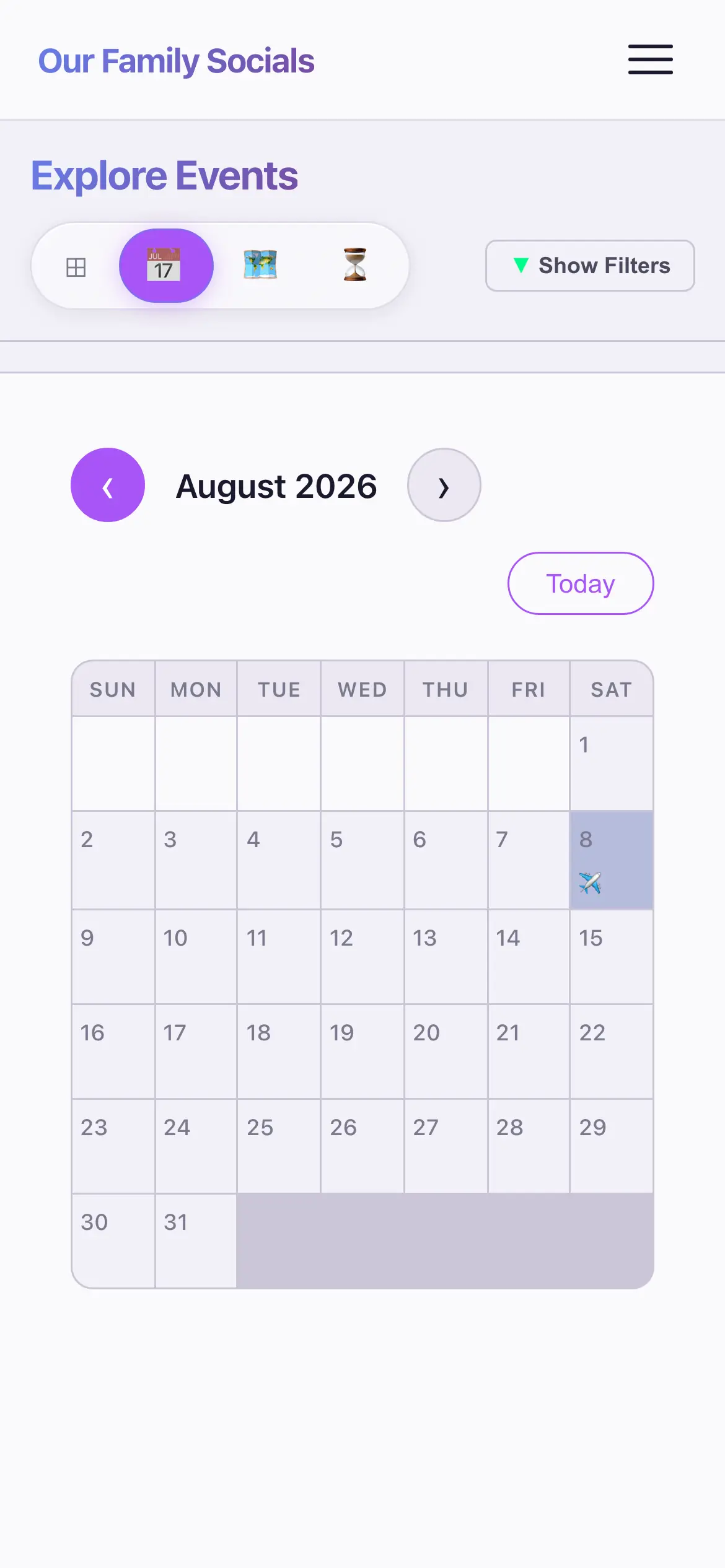
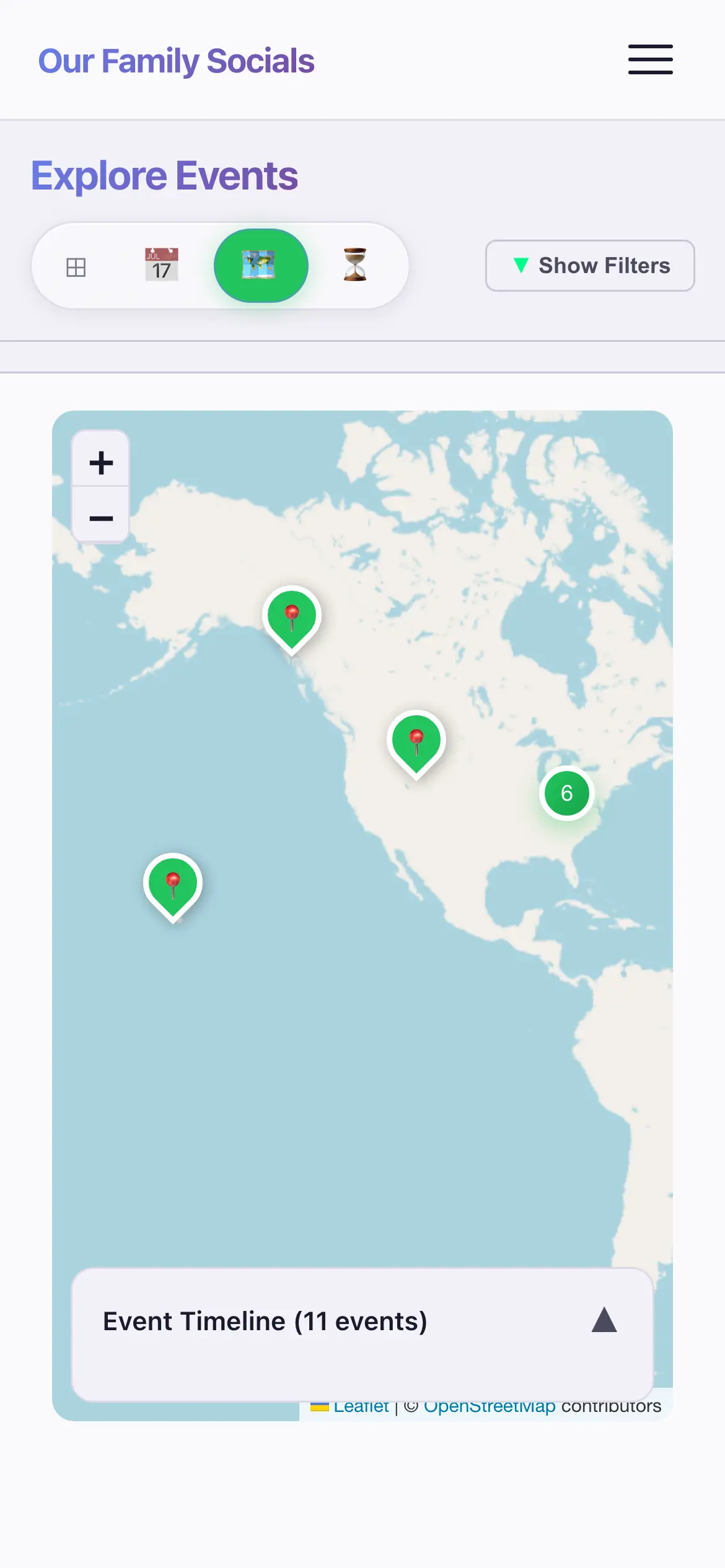
Looking for last summer’s lake day, or the morning Ivy turned nine? The same stories, laid out four ways: by date, by month, on the map, and year by year.
Cards in date order, by the date posted or the date it happened. Your choice. Nothing is ranked.
A month grid. Each story sits on the day it started.
A pin per story, on a map of the world.
Stories grouped by year, newest first.
The real app.
Tap a category and the cards filter the way the feed does. Give a story 2 categories, or make your own: this family made Wedding.
Showing 8 of 8 stories


The real app.
Only Maya opens it.
Her own albums, just for her. A share link she makes herself opens it for whoever she sends it to.
Ruth, Joe, Kate and James open it.
The followers Maya ticked as Close Family.
All 8 of Maya’s followers open it.
Friends and family whose follow request she accepted.
Sam, Priya and Deb open it.
The Run club, a list Maya made.
Anyone with the link opens it.
Signed in or not: family, friends and people Maya has never met.
Every setting against every kind of reader. Tap a row to light it up above.
| Story set toWho is asking | Youthe author | Close familyRuth, Joe, Kate and James | A followerrequest accepted | A Run club memberSam, Priya and Deb | A signed-in memberyou have not approved | Anyone on the webnot signed in | Someone you sent a share linkopens that one story |
|---|---|---|---|---|---|---|---|
| Opens it | Does not open it | Does not open it | Does not open it | Does not open it | Does not open it | Opens it | |
| Opens it | Opens it | Does not open it | Does not open it | Does not open it | Does not open it | Opens it | |
| Opens it | Opens it | Opens it | Opens it | Does not open it | Does not open it | Opens it | |
| Opens it | Does not open it | Does not open it | Opens it | Does not open it | Does not open it | Opens it | |
| Opens it | Opens it | Opens it | Opens it | Opens it | Opens it | Opens it |
It knows who is who.
Tags and relationships turn a pile of stories into a family: who is in each one, who is related to whom, and who should be reading.
Say how you are related and the other person confirms it. Confirmed relationships build the family tree.
 JoeFather
 RuthMother-in-law
 YouMaya
 TomHusband
 KateSister-in-law
 JamesBrother-in-law
 IvyDaughter
 LeoSonTagBiscuitPet
 FinnNephewBiscuit · tag profile, no account
A child, a grandparent, a pet. Tag them anyway. They can claim the profile later.
TagBiscuitPetClose Family ticks and named groups are how one story reaches exactly the right people.

Dinner out, the school play, an ordinary Tuesday: your parents see what the grandkids are up to, the day it happens.

Every story goes to the people you pick: just you, close family, your followers, a group, or anyone with the link.

Family spread across the country keeps up with each other again, without a group chat and without a scroll machine.

Add your photos, say a few words, and the story is written and laid out for you.

Every trip, birthday and first day, in order, on a timeline and a map you can come back to for years.
Tag the kids, add the dog and grow your family tree, from the grandparents to the grandkids.
Join more than a million people sharing their private moments with the people who matter to them.

Your family gets a place of its own: no ads, nothing ranked, every story in date order. Each story has its own page with photos, video and a map, and you choose who can open it.
Read more about a private Facebook groupShare the whole family’s life here: the trips, the weddings, the birthdays and the grandparents’ big days. Every story is written up with its photos and lands on your timeline and your map.
Read more about TinybeansTurn the photos into stories. AI Create writes the title, the story and a caption for every photo, so a long weekend reads like a chapter, and the trip lands on your family’s map.
Read more about FamilyAlbumTell the long version, with every photo and clip in its place. Then pick exactly who can open it: close family, a group you made, your followers, or anyone with the link.
Read more about a private Instagram accountGrandma never pays to open the vacation story. The person who writes it up does. Every plan is ad-free, and every feed is in date order.

For everyone you share with.
For whoever writes up the trips, the wedding and the birthdays.
Everything in Pro, paid once.
$294÷$108=
12×$12=$144against$108
A private, ad-free place where a family keeps the long version of its vacations, weddings, birthdays and big days: written stories with photo galleries, video and journey maps. You decide who can open each one. In the app a story is called an event.
Yes, forever. Open stories by people you follow and any Public story, and like and comment, without paying a thing. Publishing your own stories and following new people come with a plan, and the free trial gives you 30 days of publishing with no card.
You pick one of five audiences per story. Private is just you, and you can still make a share link for it. Custom Group is a named list you build from people you follow. Close Family is a checkmark you set per follower. Followers means people whose follow request you accepted. Public opens for anyone with the link, signed in or not.
Anyone with the link can open a Public story, signed in or not. Signed-in members can see the card (title, cover and place) of any story that is not Private, and opening it always follows the audience you chose. Choose Private to keep a story, card and all, just for you.
To follow along in the app, Grandma makes a free account and you accept her follow request. Or send her a share link: it opens that one story for anyone who has it, no account needed, for 1 to 5 days. A Public story opens for anyone with the link.
Add the photos from the day. They are enough on their own: AI Create writes the title, the story with its headings and a caption for every photo. A few typed lines or a voice note make it even better, and AI Interview asks you a few questions to make it better still. AI Create comes with Pro and the free trial, up to 5 times a day; its stories go to Followers, and you can change the audience whenever you edit. Or write it yourself in the editor.
Yes. Add Our Family Socials to your phone's home screen today, and our iPhone app is on the way. Email lets you know about a follow request, a new comment on your story and a new story from someone you follow.
Your stories stay yours, and so does reading: open stories by people you follow and any Public story, and like and comment, free. Your family can open your stories again as soon as your plan is active, and you can publish and follow new people again. Share links you already made keep working until they end.
Your browser reads the GPS position and the time from each photo before it uploads. Each located photo becomes a numbered stop on the story's map, joined to the next by a dashed line. You can add a place to any story with location markers in the editor.
Your feed is ad-free and in date order, by the date posted or the date it happened, your choice. Filter by person, category and date range, and mute anyone you like.
Add its photos. They are enough on their own: AI Create writes the title, the story with its headings and a caption for every photo, and you choose who can open it.
A free account, no card, and 30 days to try it, with 5 stories to publish.
Join more than a million people sharing with family and close friends, privately and ad-free.
Already have an account? Log in
DebThat flower girl stole the whole day.